Editorial Calendar Template for Content Teams: Guide for SaaS Marketers
Introduction
A successful content team thrives on organization and collaboration. As digital landscapes grow more complex, a well-structured editorial calendar template becomes every content marketer’s secret weapon. Whether you’re an agency, SaaS startup, or in-house marketing team, utilizing editorial calendar templates streamlines workflow, boosts content quality, and aligns every campaign with your business goals. This guide will introduce you to the best practices in editorial calendar planning, highlight why every content team should use a template, and show how Dyzo.ai empowers teams to build, track, and optimize their editorial workflow for maximum impact.
What is an Editorial Calendar Template?
An editorial calendar template is a strategic planning tool that helps you organize content ideas, schedule publication dates, assign ownership, optimize for target keywords, and monitor progress. By centralizing your content pipeline, it lets your team visualize tasks, deadlines, and campaign goals, ensuring nothing falls through the cracks. Key components of a modern editorial calendar template include:
- Content topic/titles
- Target audience and personas
- Assigned writers/editors
- Due dates and publish dates
- Keyword targets and categories
- Marketing goals and CTAs
- Review status and feedback notes
- Distribution channels (social, blog, newsletter)
Free Editorial Calendar Template (Copy or Download)
Here’s a ready-to-use 9-column editorial calendar template. Copy it into any spreadsheet, or download the CSV and import it into a tool like Dyzo to turn each row into a trackable task with an owner and due date.
| Title | Content Type | Target Keyword | Owner | Status | Due Date | Publish Date | Channel | Notes |
|---|---|---|---|---|---|---|---|---|
| How to onboard a new client | Blog post | client onboarding checklist | Jane | In Progress | Jul 15 | Jul 22 | Blog | Brief link |
| Q3 product update | — | Sam | Not Started | Jul 18 | Jul 25 | Newsletter | — | |
| Feature demo walkthrough | Video | product demo | Alex | Idea | Jul 20 | Aug 1 | YouTube | — |
Keep three columns non-negotiable — Owner, Status, and Due Date — because those three are what turn a static calendar into an accountable workflow.
Why Content Teams Need Editorial Calendar Template
1. Better Organization & Visibility
With an editorial calendar, your entire content team knows what’s coming up, who’s responsible, and where each piece fits into the broader strategy. This reduces missed deadlines and last-minute scrambles while providing transparency for all stakeholders.
2. Enhanced Team Collaboration
Modern templates allow teams to assign tasks, share feedback, upload resources, and track content status in real time, streamlining collaboration between writers, editors, designers, and managers.
3. Improved SEO & Content Performance
By mapping out keywords, themes, and CTA’s in advance, you boost your chances of ranking for target topics. Editorial calendars help you maintain keyword density, optimize meta tags, and support campaign-driven content plans.
4. Data-Driven Content Planning
Templates let teams analyze past performance, identify content gaps, and adjust publishing frequency for improved results. Integrated analytics within SaaS content tools like Dyzo.ai can fine-tune your calendar based on audience insights and SEO trends.
How to Build the Perfect Editorial Calendar Template
Step 1: Choose Your Template Format
Options range from simple spreadsheets and downloadable docs to advanced SaaS platforms like Dyzo.ai, Asana, and Notion that offer drag-and-drop boards, customizable fields, and automated reminders.
Step 2: Define Your Content Pipeline
Start with your major campaigns and seasonal content. Break each idea into actionable tasks, brief writing, design, SEO optimization, review, and distribution.
Step 3: Populate Key Fields
For every scheduled post, include:
- Title/topic.
- Associated campaign or theme.
- Target keywords/density.
- Responsible author(s).
- Due and publish dates.
- Status (draft, review, scheduled, published).
- Distribution plan (social, newsletter, blog).
- Links to drafts and live posts.
Step 4: Set Strategic Goals & Track KPIs
Plan CTAs for each piece. Tie posts to business objectives like lead generation, audience engagement, brand awareness, or SEO rankings. Use Dyzo.ai’s built-in analytics to review performance and refine your template quarterly.
Step 5: Enable Team Collaboration
Assign roles, set reminders, and update status in real time. Encourage feedback and revision tracking so every stakeholder is aligned on deadlines and deliverables.
Editorial Calendar Template Best Practices
- Plan ahead: Fill your template at least one month in advance for consistent publishing.
- Integrate SEO: List target keywords, optimize headline and meta tags, maintain healthy keyword density.
- Schedule reviews: Allocate time for drafts, feedback, and final approvals.
- Monitor & optimize: Use Dyzo.ai’s analytics to track what’s working and adjust your calendar accordingly.
- Customize for your team: Tailor fields and workflows to match your specific needs: blog, social, video, newsletters, or multi-channel campaigns.
Example: Dyzo.ai’s Editorial Calendar for SaaS Content Teams
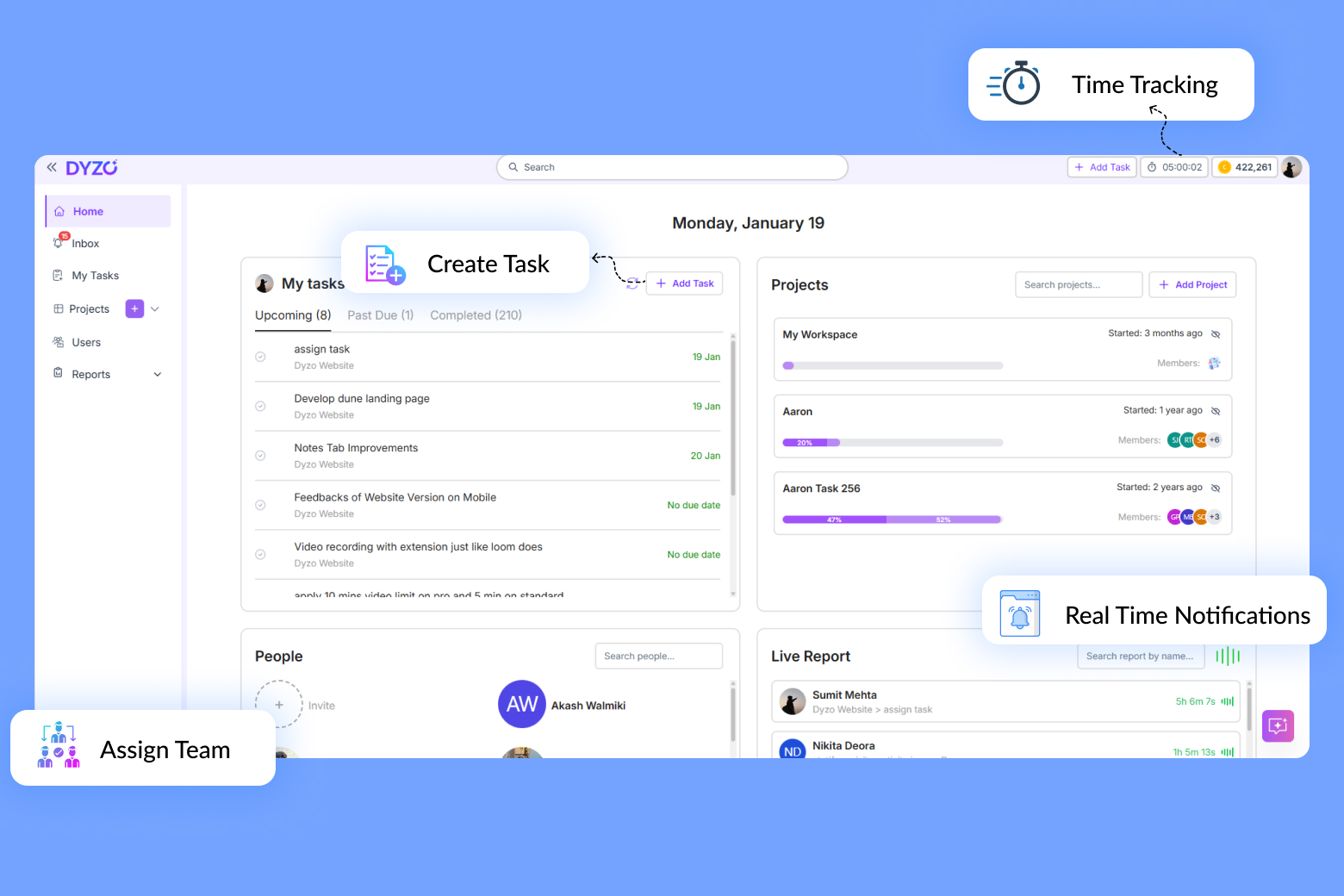
Dyzo.ai enables teams to create dynamic editorial calendars with these core features:
- Drag-and-drop task management.
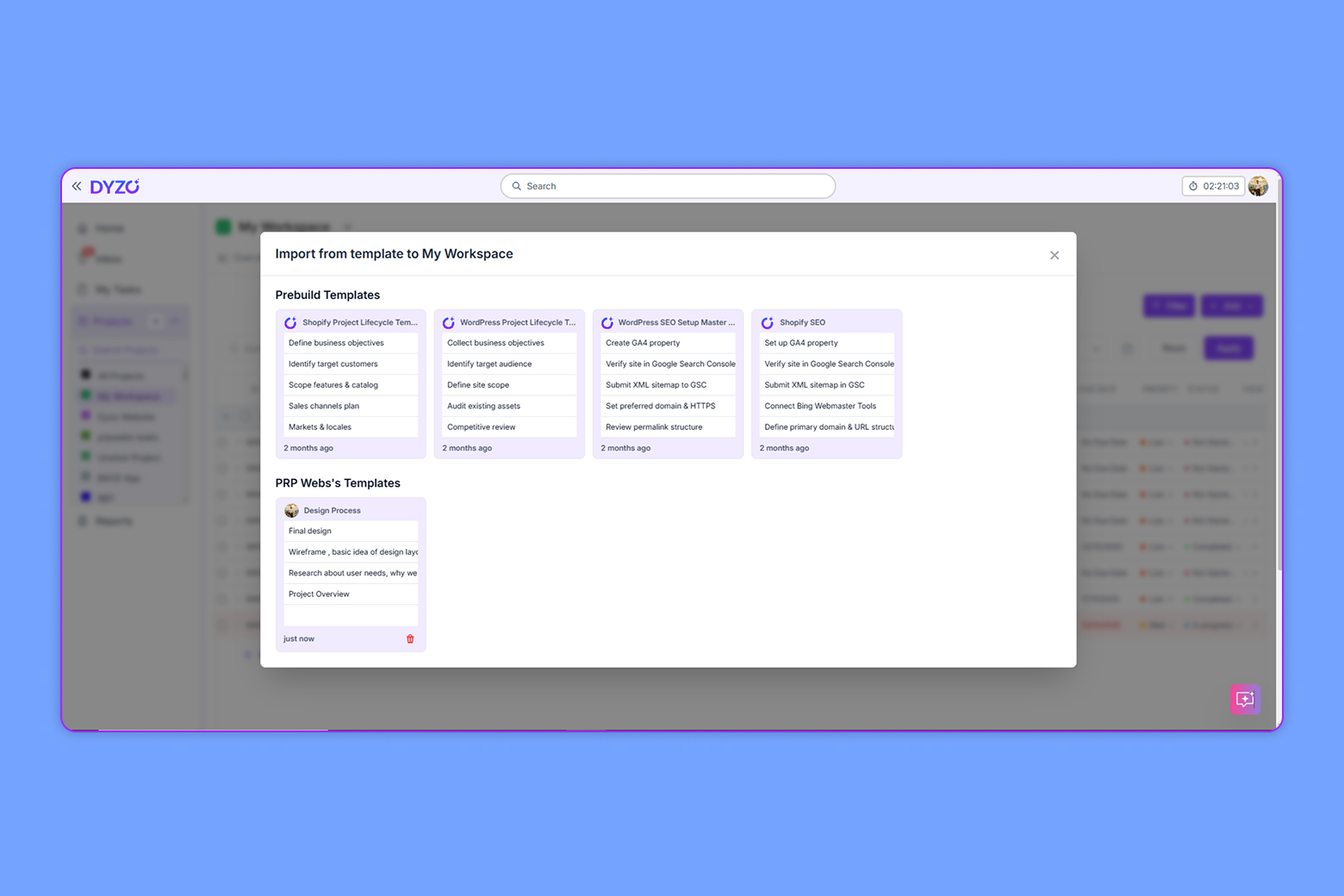
- Customizable templates for posts, campaigns, and seasonal events.
- Automated reminders for drafts, reviews, and publishing.
- Integrated keyword research and SEO optimization tools.
- Role-based permissions for team members and external collaborators.
- Analytics dashboard for ongoing optimization.
FAQ: Editorial Calendars in Content Marketing
- Can individual creators use editorial templates? Absolutely. Templates can be scaled from solo projects to large team efforts.
- What’s the ideal keyword density? Aim for natural integration typically 1-2% per core keyword, while also including related terms to boost topical authority.
- How often should you update your calendar? Review and refine monthly or quarterly based on performance analytics and changing business priorities.
Conclusion
Investing in an editorial calendar template is one of the smartest moves for any content team. With Dyzo.ai, you get a powerful platform to plan, collaborate, and optimize your content pipeline, all in one place. Start using an editorial calendar today, and watch your team’s productivity and SEO results soar.
Ready to try Dyzo for free?
Plan work, track time, and automate busywork — all in one place.
Start Free with Dyzo →No credit card required · Free forever plan · 2-minute setup
Frequently asked questions
What is an editorial calendar template?+
An editorial calendar template is a reusable structure — usually a spreadsheet or board — that maps out what content you'll publish, when, on which channel, and who owns each step. A solid template tracks at least eight fields: title, content type, target keyword, owner, status, due date, publish date, and channel.
What should an editorial calendar template include?+
At minimum: content title, type (blog, video, email), target keyword/topic, author/owner, workflow status, due date, publish date, and distribution channel. Advanced templates add a brief link, CTA, funnel stage, and performance metrics (traffic, conversions) so planning is data-driven.
Is there a free editorial calendar template for content teams?+
Yes. You can copy the free 9-column template in this guide into any spreadsheet, or download the CSV and import it into a tool like Dyzo to turn each row into a trackable task with an owner and due date.
How often should you update your editorial calendar?+
Review it monthly or quarterly. Do a light weekly check to update statuses and due dates, and a deeper monthly or quarterly review to reprioritize based on performance analytics and changing business goals.
Can a small team or solo creator use an editorial calendar template?+
Absolutely. The same template scales from one creator to a full team — solos use it to stay consistent and batch work, while teams use the owner and status columns to coordinate handoffs and avoid duplicate effort.
Part of these guides: