What Is Dyzo AI? The Complete Guide to Dyzo for Teams [2026]
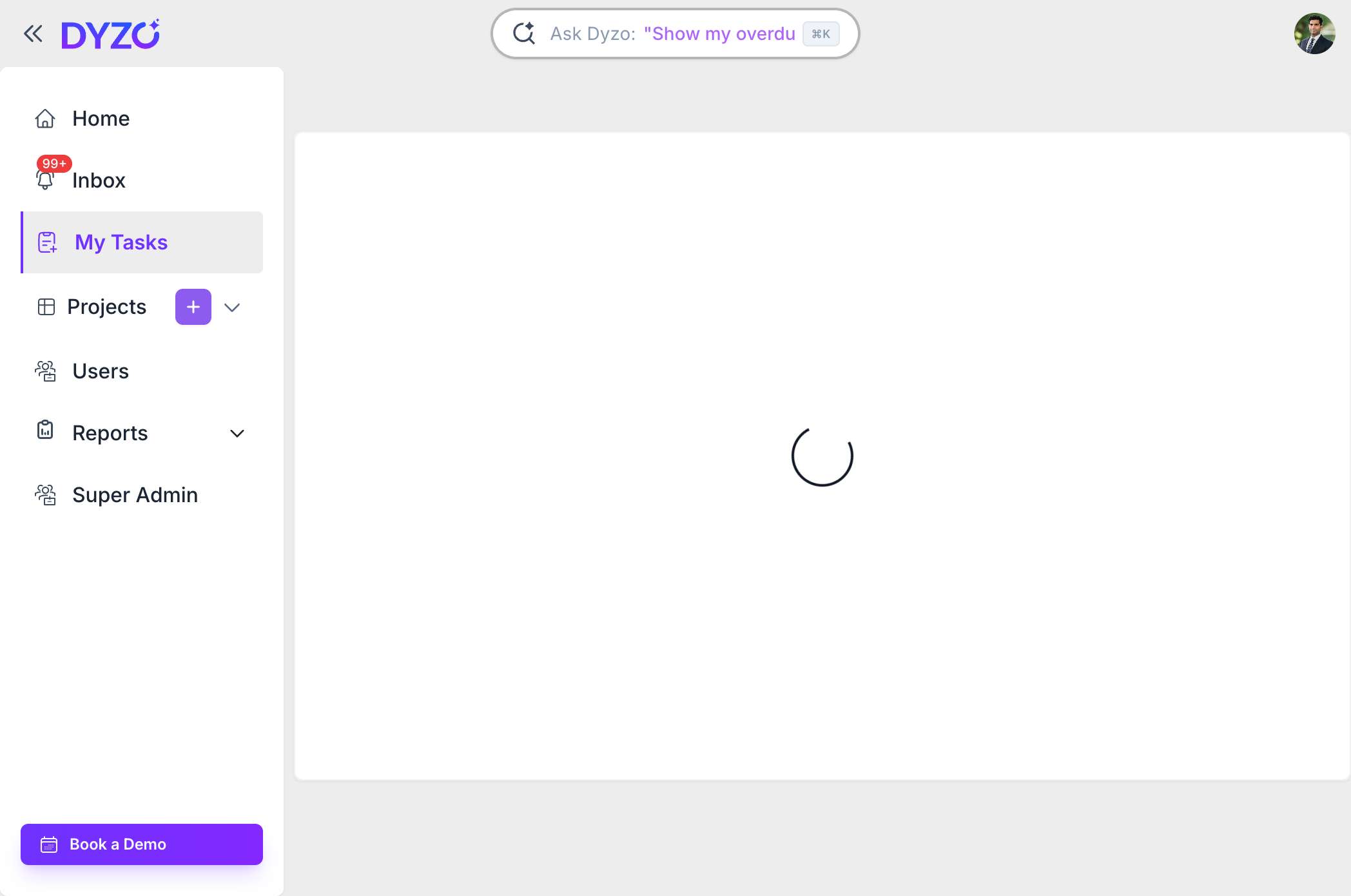
Dyzo AI (often written as Dyzo, Dyzo.ai, or simply "dyzo") is an all-in-one project management, time tracking, and team productivity platform built for remote and hybrid teams. It combines task management, time tracking with screenshots, live reporting, and AI-powered automation in one affordable tool — with native integrations for AI assistants like Claude and OpenAI through its MCP server and REST API.
What Does Dyzo AI Do?
Dyzo AI brings together the tools scattered teams normally juggle across five different apps. Instead of separate tools for tasks, time, reporting, and team check-ins, Dyzo unifies them:
- Project & task management — Organize work into projects, assign tasks, set deadlines, and track progress
- Time tracking with screenshots — A desktop timer that records time and optional activity screenshots for accountability
- Live reports & dashboards — Real-time visibility into who's working on what, without status meetings
- Team collaboration — Notifications, comments, and project notes that keep everyone aligned
- AI automation — Connect Dyzo to Claude, OpenAI, Cursor, or any LLM via the Dyzo MCP server and REST API
Who Is Dyzo AI For?
| Team Type | How Dyzo Helps |
|---|---|
| Agencies | Manage multiple client projects, track billable hours, automate reporting |
| Remote & hybrid teams | Stay connected and accountable without micromanaging or endless meetings |
| Freelancers & consultants | Track time accurately, prove work to clients, and bill with confidence |
| SaaS & product teams | Plan sprints, track progress, and integrate AI into workflows via API/MCP |
Key Features of Dyzo AI
1. Smart Task & Project Management
Create projects, break them into tasks, assign owners, set deadlines, and watch progress update in real time. Dyzo keeps everything in one place so nothing slips through the cracks. Learn more in our AI task management guide.
2. Time Tracking with Screenshots
Dyzo's desktop timer tracks time per task and can capture periodic screenshots for transparency — ideal for agencies and remote teams that bill by the hour. See the full Desktop Timer guide and our time tracker with screenshots overview.
3. Live Reports & Activity Snapshots
Instead of asking "what are you working on?", managers get live activity reports automatically. Real-time notifications replace status meetings entirely.
4. AI & Developer Integrations
Dyzo is built for the AI era. Connect it to Claude, OpenAI, or any LLM:
- Dyzo MCP server — Manage tasks and projects from Claude, Cursor, or any MCP client using natural language. Install the official
dyzo-ai-mcppackage withnpx dyzo-ai-mcp - Dyzo REST API — Build custom automations in any language
- Dyzo + Claude automation guide
- Dyzo + OpenAI integration guide
5. Chrome Extension
Create tasks from anywhere on the web with the Dyzo Chrome extension.
How Much Does Dyzo AI Cost?
Dyzo offers a free forever plan with no credit card required, plus affordable paid plans for growing teams. This makes it one of the most cost-effective AI task management tools available — many comparable platforms charge several times more per user. See current pricing at dyzo.ai/pricing.
How to Get Started with Dyzo AI
- Sign up free at dyzo.ai/register (takes 2 minutes, no card needed)
- Create your first project and add tasks
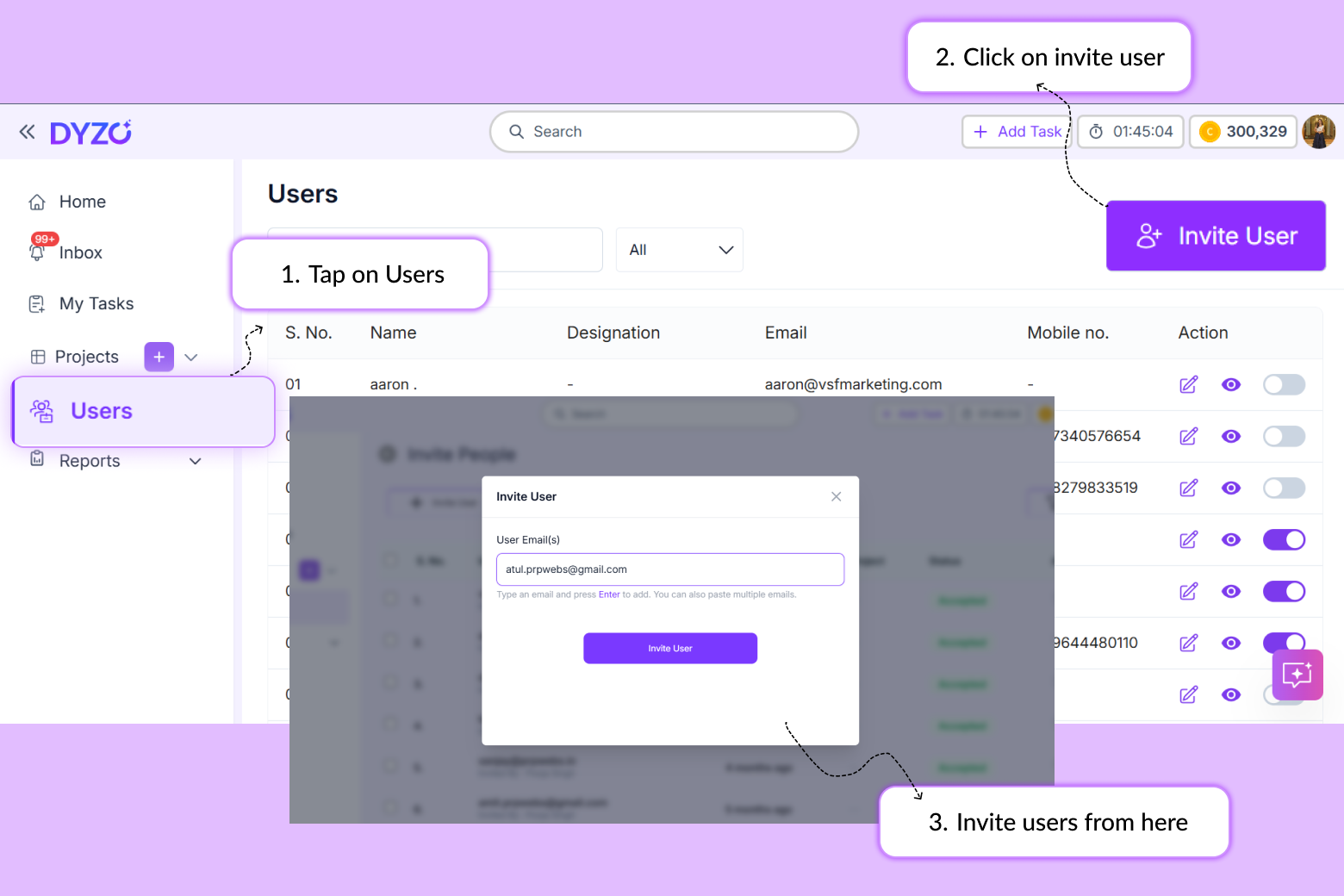
- Invite your team and assign work
- Download the desktop timer at dyzo.ai/download to start tracking time
- (Optional) Connect AI — set up the Dyzo MCP to manage everything via Claude or OpenAI
How Is Dyzo Different From Other Tools?
Most teams use one app for tasks (like Asana or Trello), another for time tracking (like Toggl or Hubstaff), and a third for reporting. Dyzo combines all three — plus AI automation — at a lower price point. You get the task management of a PM tool, the time tracking of a dedicated timer, and the AI integrations of a developer platform, in one workspace.
Ready to try Dyzo for free?
Plan work, track time, and automate busywork — all in one place.
Start Free with Dyzo →No credit card required · Free forever plan · 2-minute setup
Frequently asked questions
What is Dyzo AI?+
Dyzo AI is an all-in-one project management, time tracking, and team productivity platform for remote and hybrid teams. It combines task management, time tracking with screenshots, live reporting, and AI automation (via its MCP server and REST API) in one affordable tool. You can sign up free at dyzo.ai.
Is Dyzo AI free?+
Yes. Dyzo offers a free forever plan with no credit card required. Paid plans are available for larger teams that need higher limits and advanced features. See dyzo.ai/pricing for details.
Does Dyzo AI integrate with Claude and OpenAI?+
Yes. Dyzo provides an MCP (Model Context Protocol) server — available as the dyzo-ai-mcp package on npm (run it with 'npx dyzo-ai-mcp') — that connects directly to Claude, Cursor, VS Code, and other MCP clients, plus a REST API that works with OpenAI GPT models and any LLM. This lets you create tasks, manage projects, and generate reports using natural language.
Does Dyzo track time with screenshots?+
Yes. Dyzo includes a desktop timer for Mac and Windows that tracks time per task and can capture periodic activity screenshots for accountability and transparency — useful for agencies and remote teams that bill by the hour.
What teams is Dyzo AI best for?+
Dyzo is ideal for agencies managing multiple client projects, remote and hybrid teams of 5–200 people, freelancers and consultants who bill by the hour, and SaaS or product teams that want to integrate AI into their workflows.
How do I get started with Dyzo?+
Sign up free at dyzo.ai/register (no credit card needed), create your first project, invite your team, and download the desktop timer to start tracking time. You can optionally connect Dyzo to Claude or OpenAI via the MCP server for AI-powered automation.
Part of these guides: