
W
What Is Dyzo AI? The Complete Guide to Dyzo for Teams [2026]
Dyzo AI is an all-in-one project management, time tracking, and team productivity platform. Learn what Dyzo does, who it’s for, key features, pricing, and how to get started free.
Practical guides on project management, time tracking, and automating your workflow with Dyzo AI — including Claude, OpenAI, and MCP integrations.
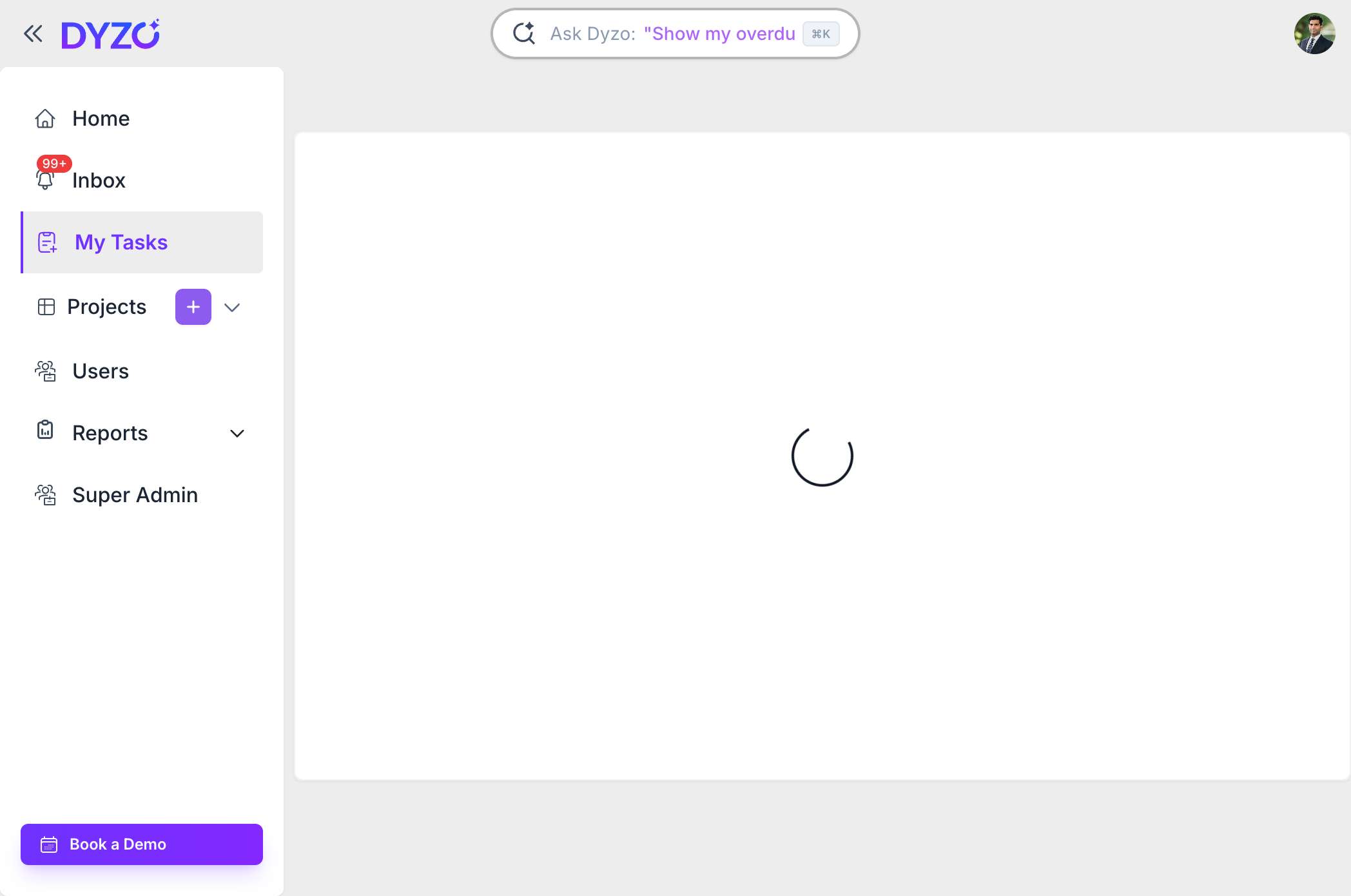
Learn how to create your first task in Dyzo in three quick steps. Open My Tasks, click the plus icon, name your task, and you're tracking work in seconds.
Guides on organizing team projects, tracking progress, and choosing the right project management tool — plus a real comparison of Asana, ClickUp, Monday, Trello, and Dyzo.
13 guides →Learn how to track time accurately, keep remote teams accountable, and choose time tracking software — with a real comparison of Toggl, Hubstaff, Time Doctor, and Dyzo.
11 guides →Best practices, tools, and workflows for collaborating across time zones — from cutting status meetings to inviting and managing distributed teams.
8 guides →How to automate task management and reporting with AI — connect Dyzo to Claude, OpenAI, and any LLM via the MCP server and REST API.
9 guides →Set up Dyzo, invite your team, and learn the essentials.
7 articles →Real-world workflows and best practices for modern teams.
17 articles →Track time, build trust, and keep remote teams accountable.
7 articles →Automate your agency with the Dyzo API, MCP, Claude & OpenAI.
3 articles →Turn project data into dashboards, reports, and decisions.
5 articles →Dyzo AI is an all-in-one project management, time tracking, and team productivity platform. Learn what Dyzo does, who it’s for, key features, pricing, and how to get started free.
Connect Dyzo AI with OpenAI GPT to automate agency task management. Use the Dyzo REST API with GPT-4o to create tasks, generate reports, and build custom AI workflows.
Learn how to automate your agency using Dyzo AI and Claude. Set up Dyzo MCP, create tasks from client briefs, generate reports automatically, and save 10+ hours per week.
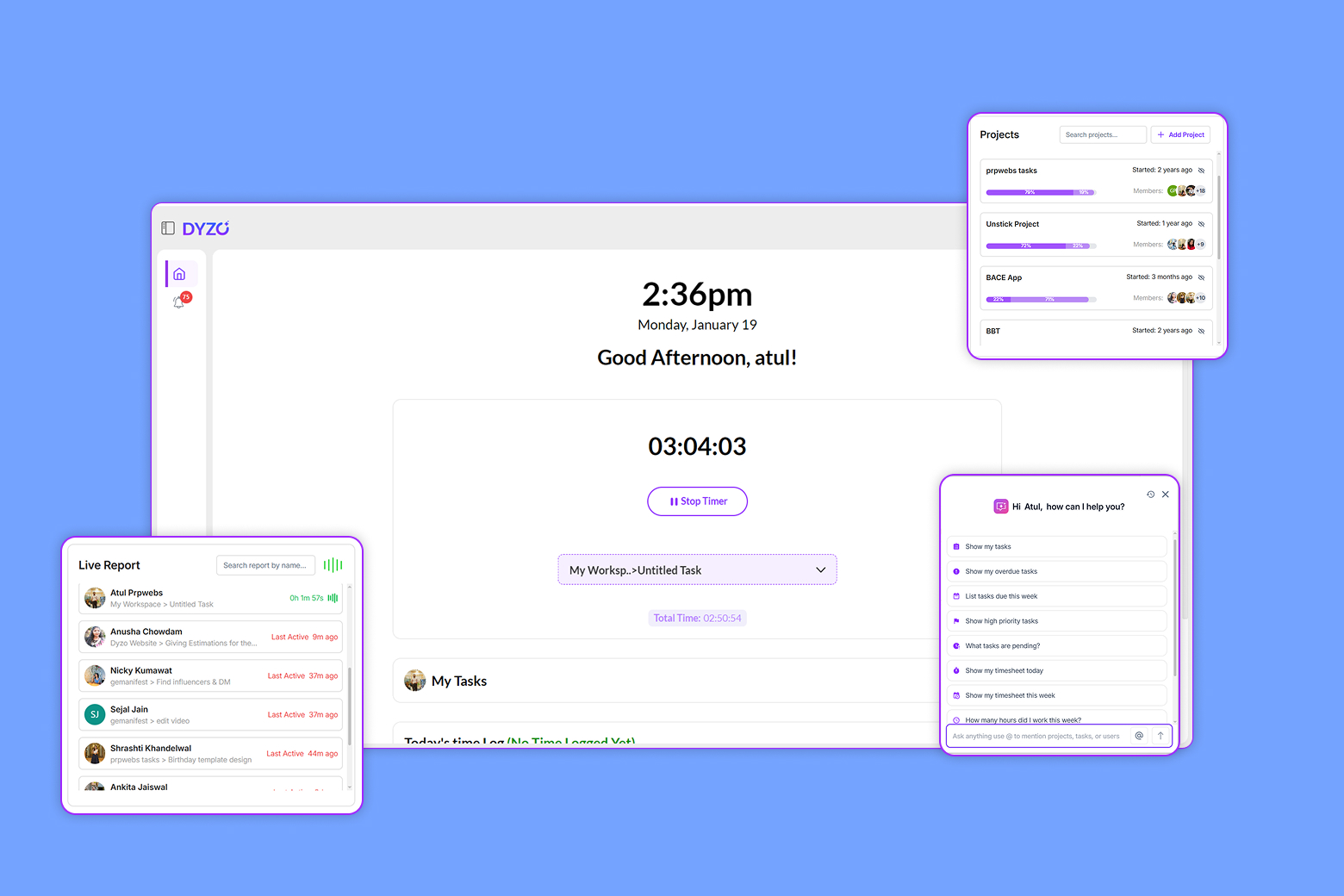
When teams are spread across locations, maintaining visibility, productivity, and accountability is no longer straightforward. Managers often struggle with questions around work progress, data security, and performance tracking, without wanting to micromanage their teams. This is where remote work m
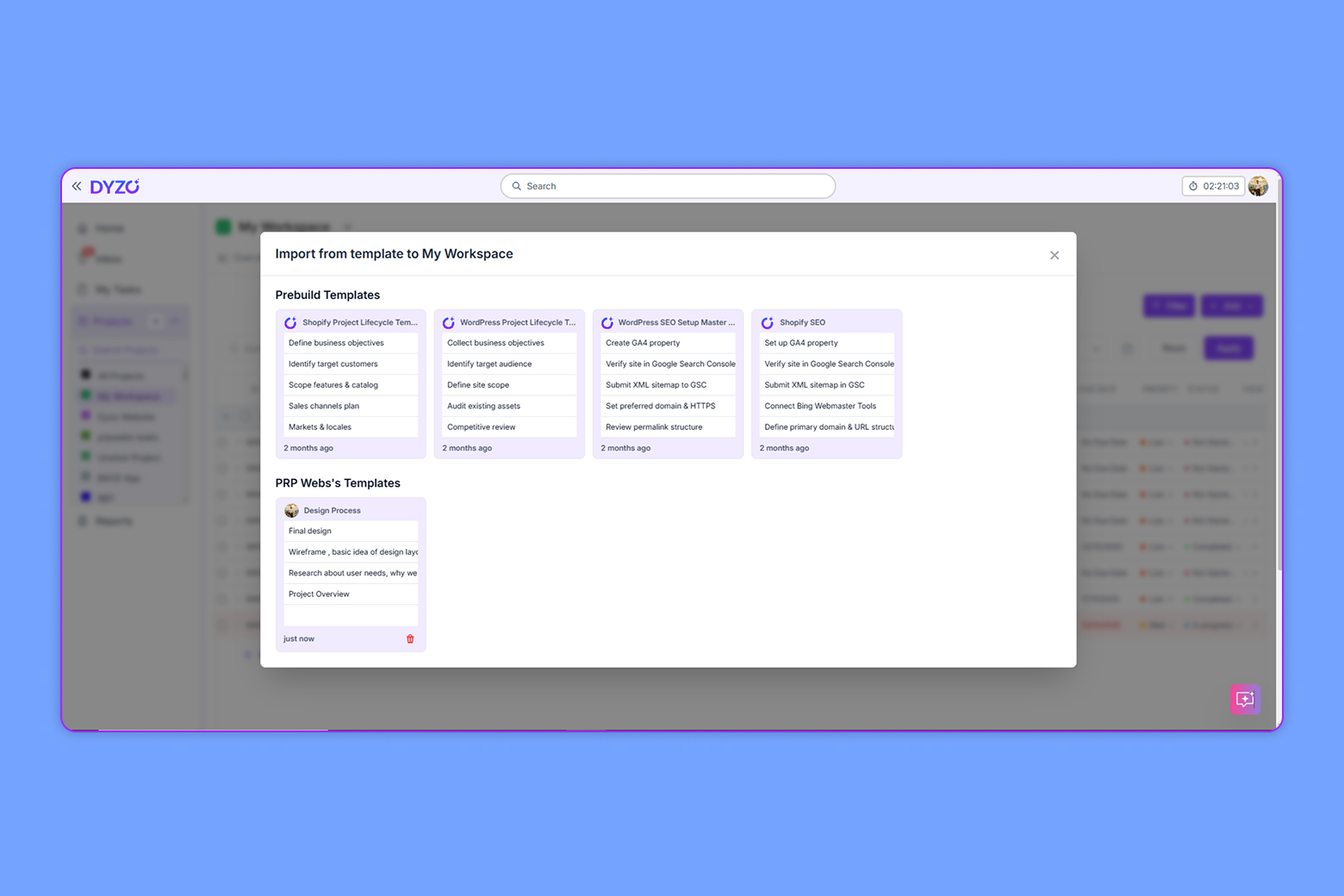
Introduction A successful content team thrives on organization and collaboration. As digital landscapes grow more complex, a well-structured editorial calendar template becomes every content marketer’s secret weapon. Whether you’re an agency, SaaS startup, or in-house marketing team, utilizing edito
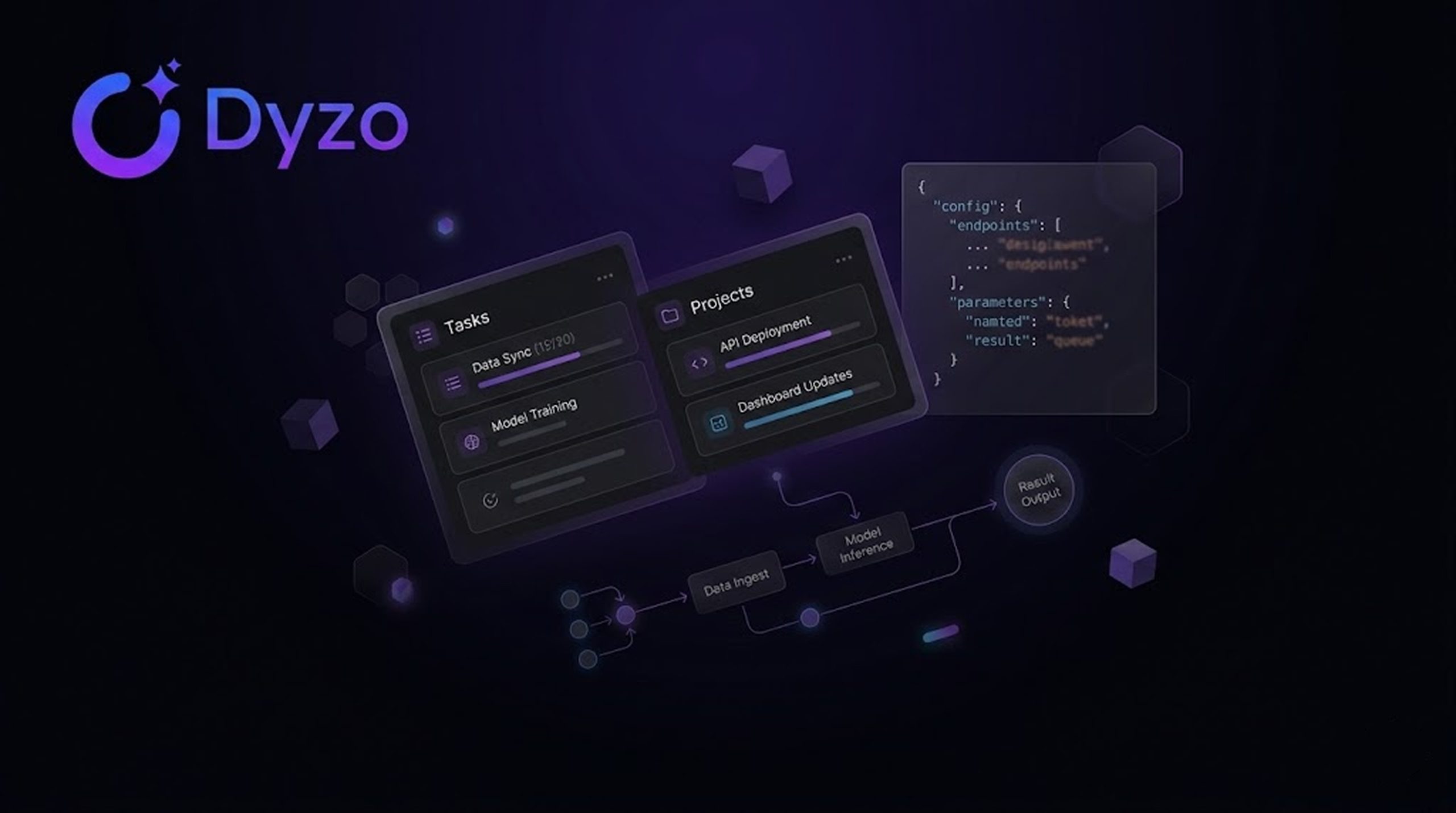
What is Dyzo MCP? Dyzo MCP (Model Context Protocol) allows your IDE or LLM to securely connect to your Dyzo workspace and manage tasks, projects, and reports using natural language. How to Get Dyzo MCP API Key (Token) Follow these steps to generate your Dyzo MCP API key: Login to your Dyzo account.
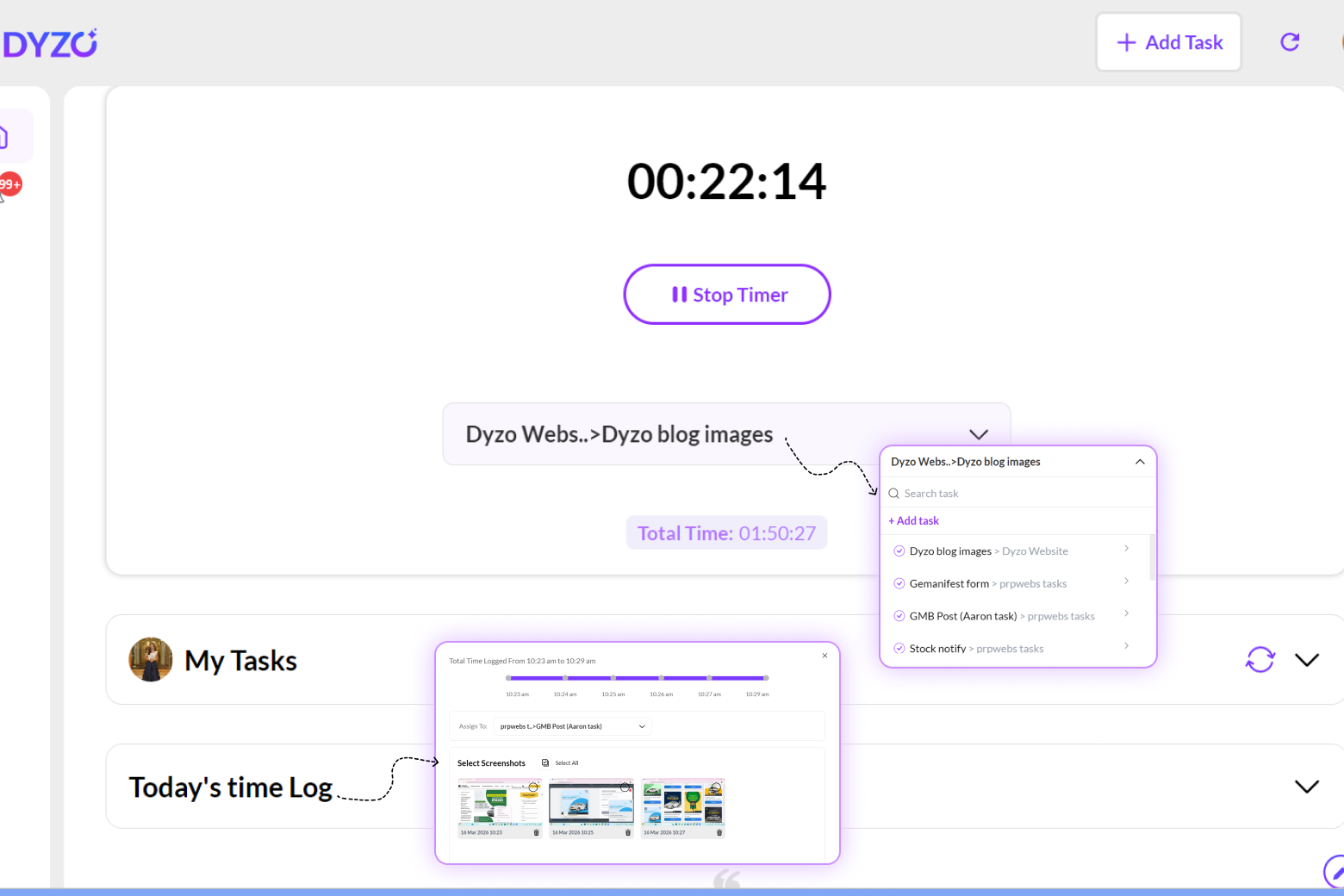
Learn how to use the Dyzo Desktop Timer to track time, assign tasks, manage screenshots, and improve daily productivity with this step-by-step guide.
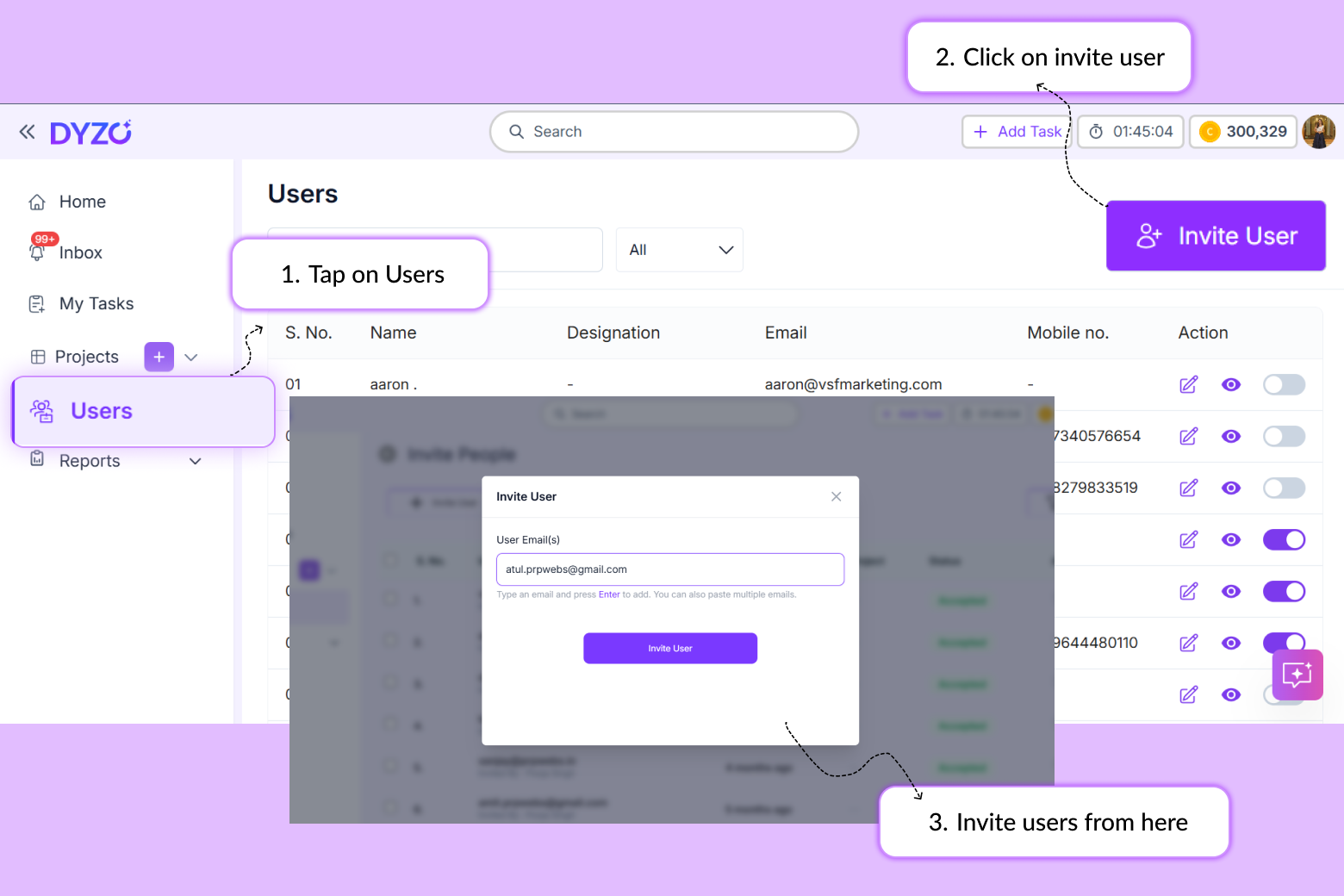
Introduction Building a remote team comes with one persistent challenge: getting everyone into the same system, working under the same structure. If your team is not set up correctly in your productivity tool, you lose visibility before the workday even starts. This guide shows you exactly how to in
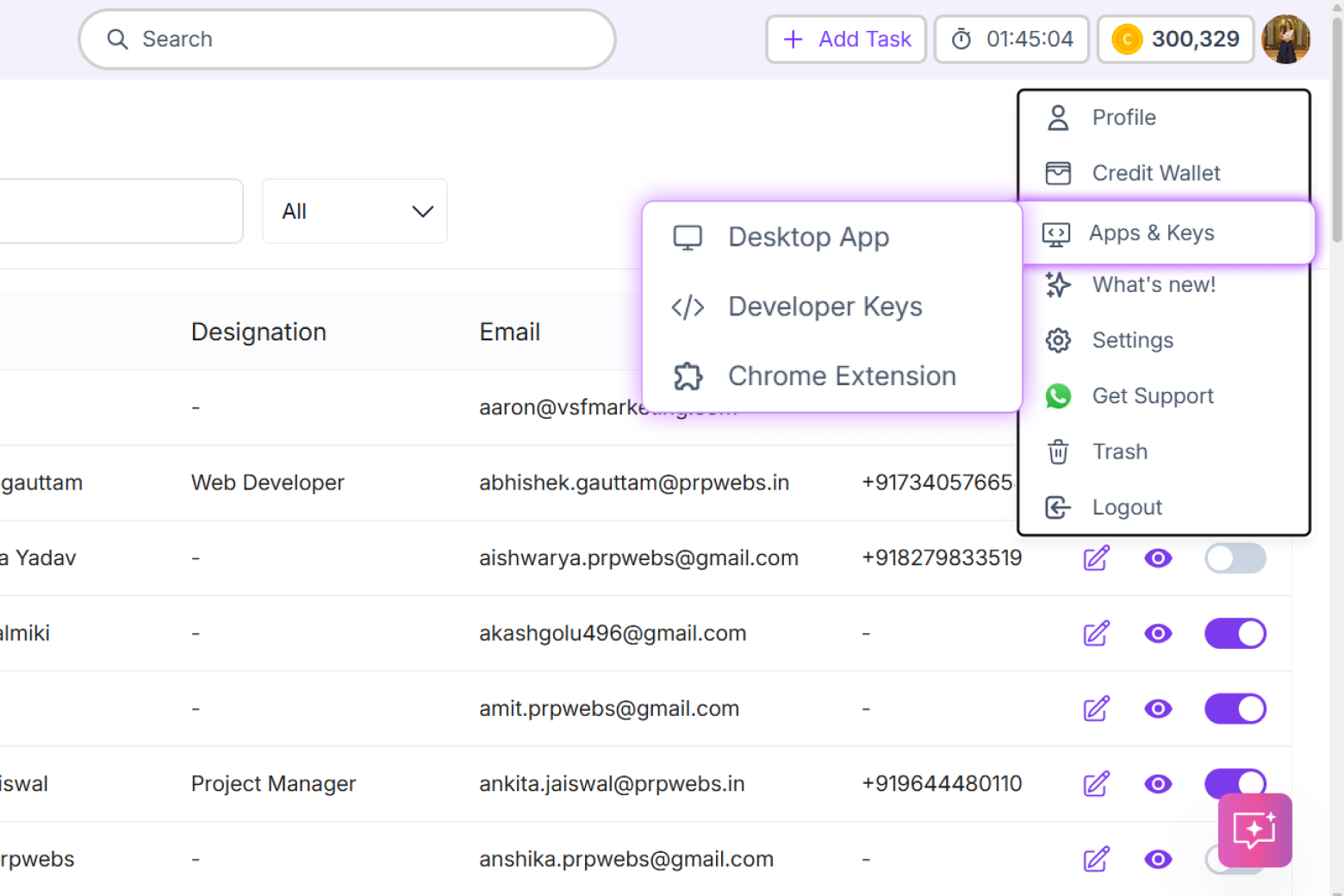
Dyzo.ai now offers developer API keys — giving you programmatic access to project management, task automation, time tracking, and team collaboration features directly from your code, scripts, or favorite LLM models.