Visual Guide to Task Management Apps for Teams
Introduction: Why Task Management Apps for Teams Matter
If you lead a remote team, creative agency, or fast-paced service business, staying organized and tracking every hour of work is crucial. Task management apps for teams like Dyzo.ai help bring transparency, accuracy, and instant communication to your projects. Moving away from spreadsheets and generic timesheets, Dyzo.ai provides clear, data-driven insights so your team can work confidently and efficiently. This visual guide will show you how to get started with Dyzo.ai , one of the best task management apps for teams ,featuring real-time team notifications and accurate time tracking to set you up for success.
Step 1: Sign Up and Set Up Your Team
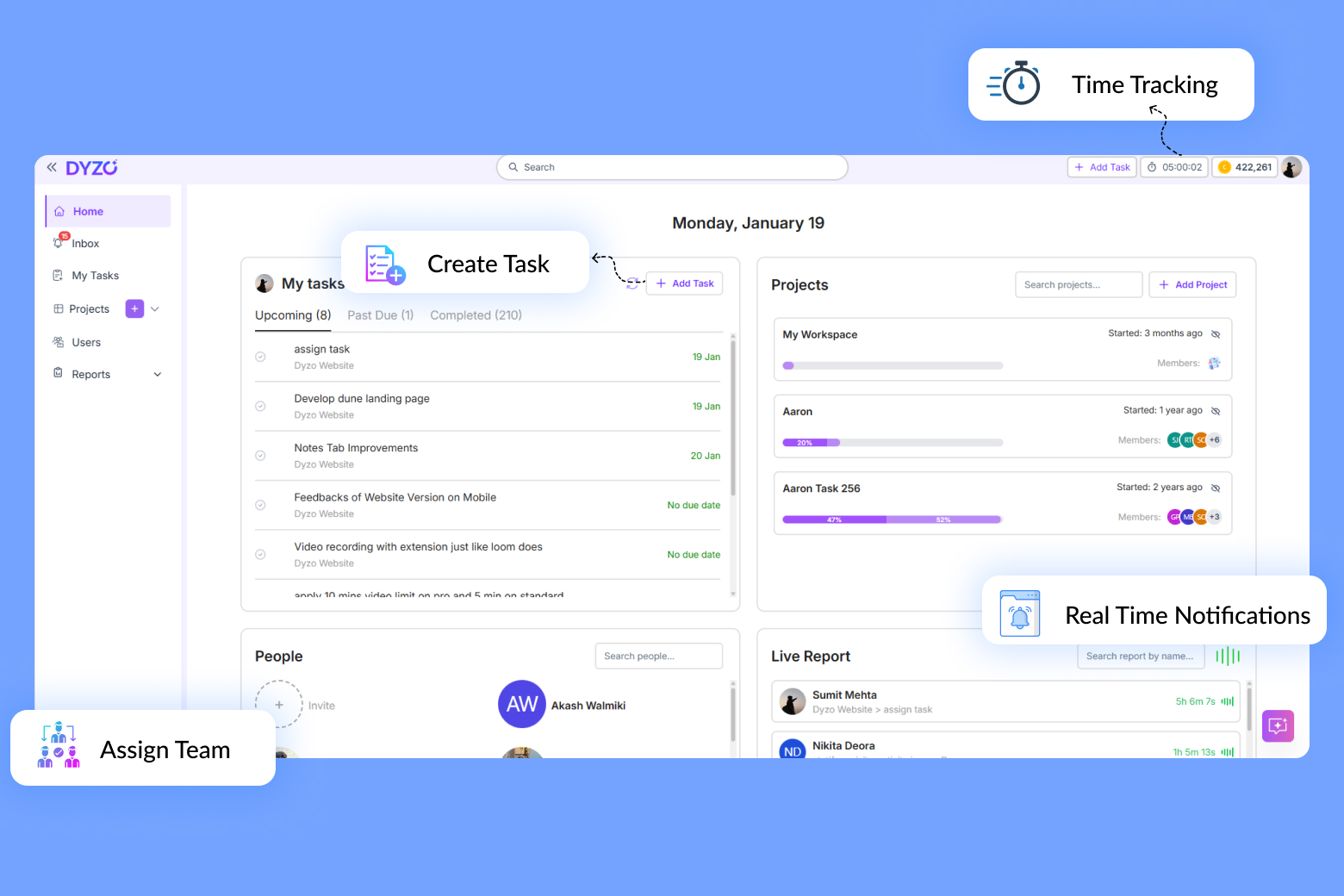
Getting started with Dyzo.ai is quick and easy sign up for free for up to two users using your email or Google account. Invite your teammates with a single click. Immediately assign roles and tasks to keep things moving smoothly. Dyzo’s user-friendly interface means there’s no steep learning curve, making it one of the simplest task management apps for teams to adopt.
Step 2: Create Your First Project and Tasks
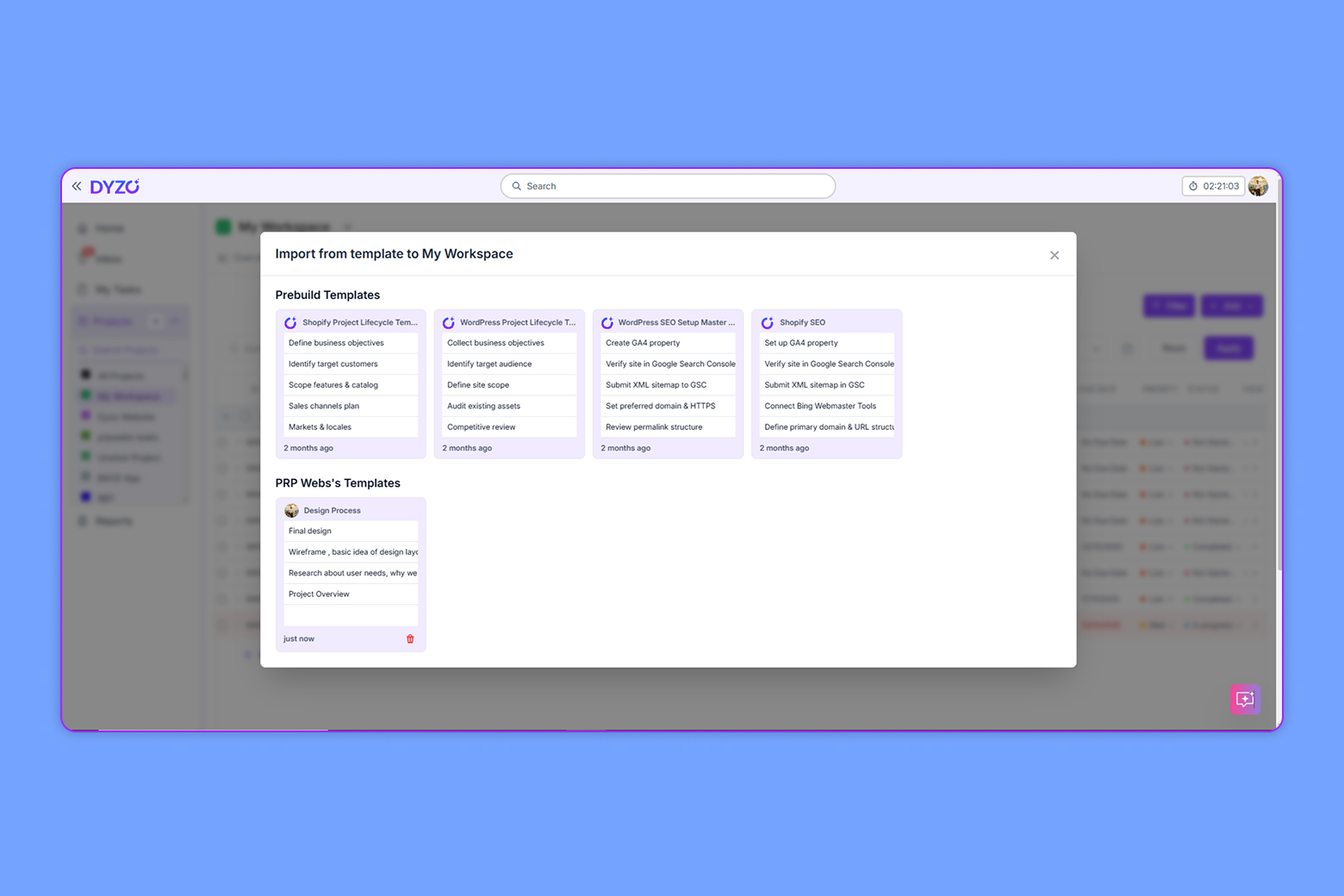
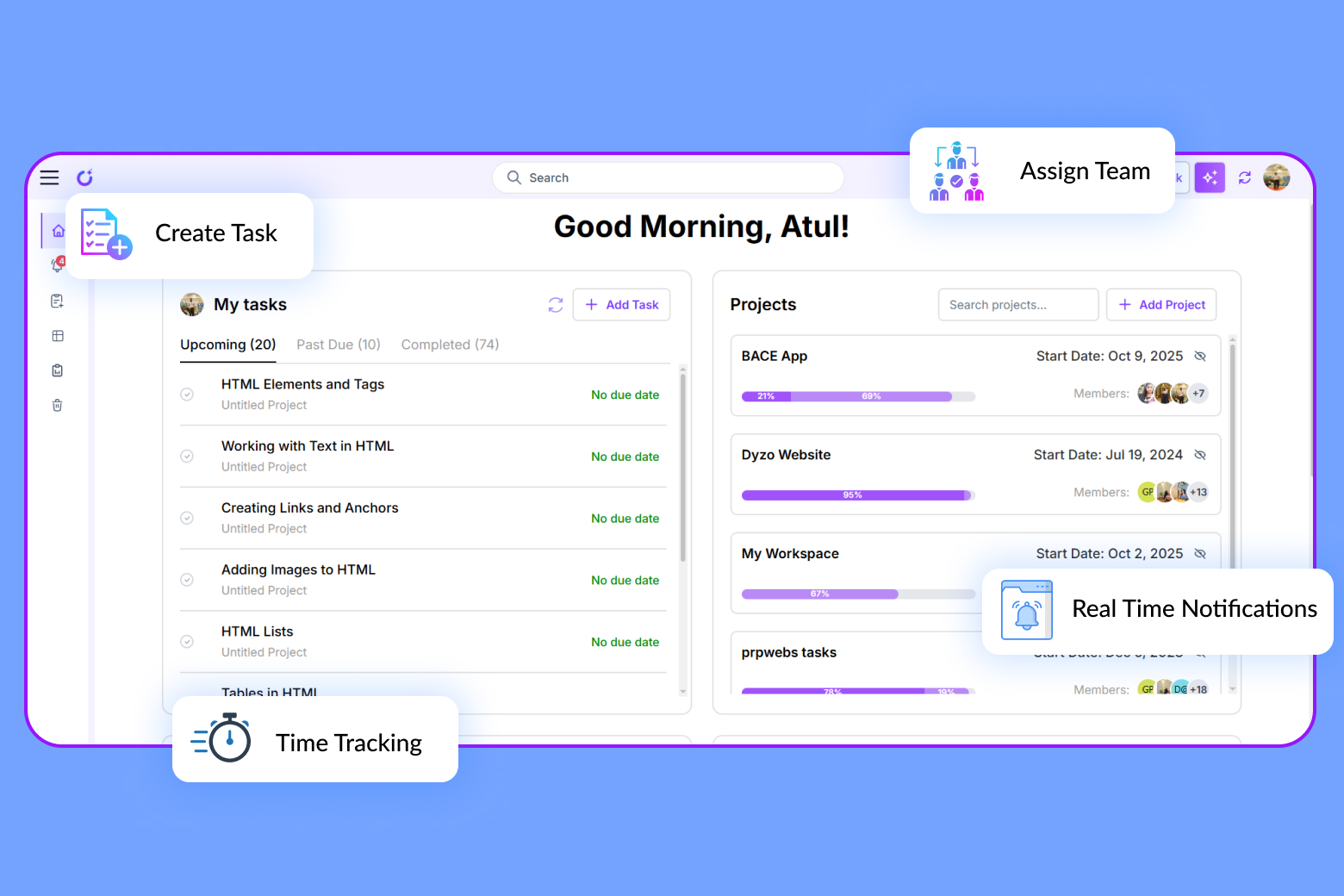
From your dashboard, start a new project by naming it, setting deadlines, and breaking it into clear, manageable tasks. Assign tasks to team members, set priorities, and connect them to project milestones. Using Dyzo.ai’s bulk task management, you can upload task lists or convert SOPs into actionable checklists quickly, all while keeping everyone informed with file attachments, comments, and direct links.
Step 3: Enable Accurate Time Tracking
Forget manual timesheets and lost hours—Dyzo.ai’s Accurate Time Tracking Tool captures every minute you work automatically, tied directly to tasks. This feature provides transparency and ensures billing accuracy, building trust with clients and eliminating timekeeping disputes. For teams, this means recognition for real work, and for managers, clear data to plan and report effectively.
Step 4: Set Up Real-Time Team Notifications
Communication is vital for remote or hybrid teams. Dyzo.ai’s Real-Time Team Notifications instantly alert team members and managers when tasks are assigned, updated, or near deadlines. Custom notification settings help reduce noise while ensuring critical updates are never missed, keeping teams aligned and projects on schedule. Notifications are sent both in-app and via email for seamless collaboration across locations.
Step 5: Use Activity Snapshots for Accountability
Dyzo.ai takes periodic lightweight screenshots (activity snapshots) to provide context and proof of work without being intrusive. This feature helps managers and clients see progress visually and fairly recognize team efforts, increasing team accountability without creating mistrust.
Step 6: Generate Transparent, Client-Ready Reports
Reporting becomes effortless with Dyzo.ai. Generate professional summaries by project, task, or individual that you can share directly with clients. Time reports include total hours, specific activities, and visual snapshots. These customizable reports back up billed hours and provide ready evidence in case of disputes, improving client confidence.
Step 7: Optimize Your Workflow with Zero Learning Curve
Dyzo.ai is intuitive, so teams can be productive right from day one. Use the Chrome extension to create tasks from anywhere, even from Gmail. Onboarding new team members is simple—just share this guide with them for quick ramp-up and smooth adoption.
Best Practices for Using Task Management Apps for Teams
- Set clear priorities and deadlines for every task
- Review time logs and activity snapshots weekly
- Respond quickly to team notifications to stay ahead
- Share regular reports with clients to demonstrate value and invoice accurately
Conclusion
Dyzo.ai is one of the leading task management apps for teams, transforming how remote, hybrid, and agency teams collaborate and deliver results. By combining Real-Time Team Notifications with Accurate Time Tracking, Dyzo.ai fosters a culture of transparency, trust, and high productivity. Start simple, stay visual, and let Dyzo.ai automate your workflows so your team can focus on what matters most.Ready to experience clarity and confidence in your team’s task management? Get started with Dyzo.ai today.
Ready to try Dyzo for free?
Plan work, track time, and automate busywork — all in one place.
Start Free with Dyzo →No credit card required · Free forever plan · 2-minute setup
Part of these guides: