How Real-Time Notifications Save You from Status Meetings
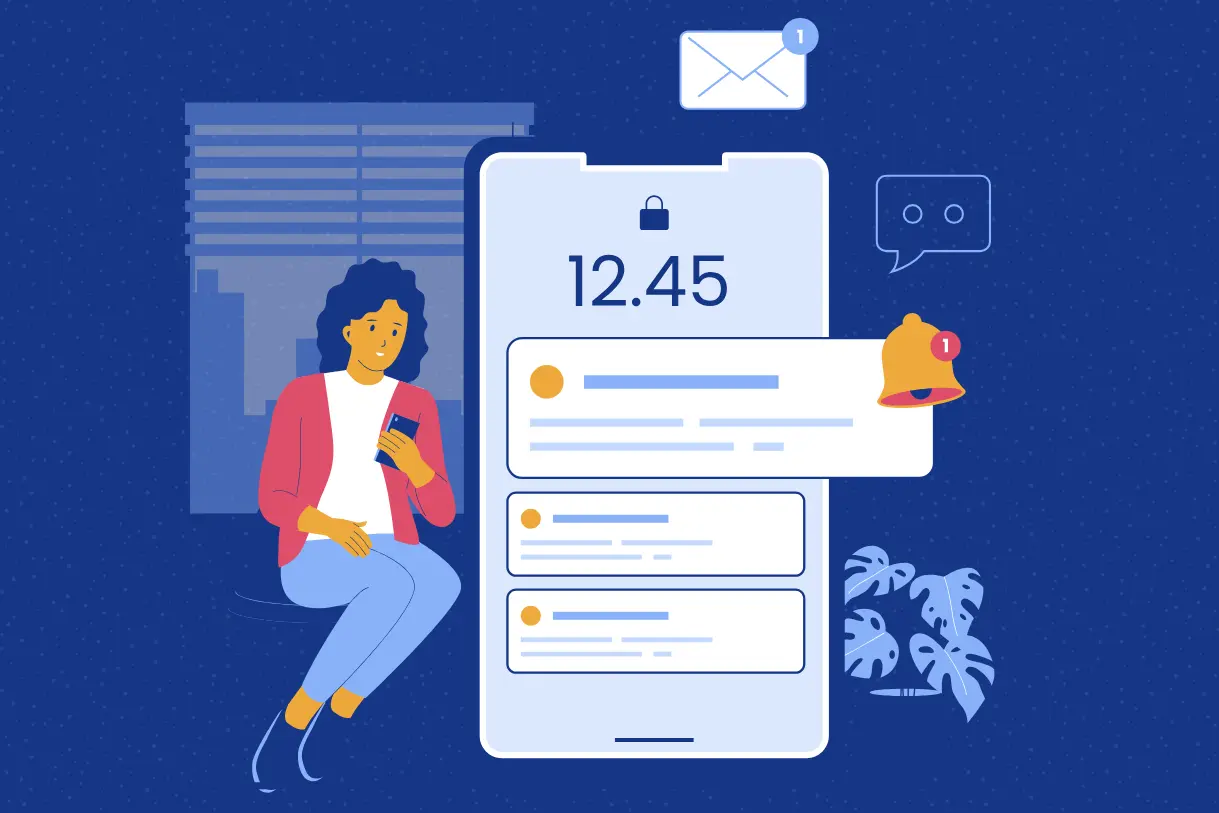
Most teams spend countless hours in meetings that could have been avoided. Status updates, progress checks, “just a quick sync” - they eat into valuable time and leave employees drained. Remote and hybrid teams feel this pain even more, as scheduling across time zones often doubles the hassle. The solution isn’t more meetings; it’s smarter communication. With Dyzo’s real-time notifications, updates flow automatically to the right people at the right time. No waiting. No chasing. No unnecessary calls. In this blog, we’ll explore why real-time notifications matter, how Dyzo uses them to streamline workflows, and why fewer meetings make teams more productive and happier.
The Problem with Endless Status Meetings
Why do so many teams default to meetings? Because they lack visibility. Without up-to-date information, managers feel the need to ask:
- Who’s working on what?
- Has this task been completed?
- Are we on track for the deadline?
This lack of clarity often results in:
- Unnecessary sync calls just to confirm progress
- Interruptions that break team focus
- Meeting fatigue across remote and hybrid setups
- Time lost that could have been spent on actual work
The irony? Most status meetings are simply information-sharing - not decision-making. That’s where real-time notifications change the game.
What Are Real-Time Notifications in Team Software?
Real-time notifications are instant alerts that keep everyone in the loop the moment something happens. Instead of waiting for a meeting or report, team members know immediately when:
- A new task is assigned
- A task is completed
- Deadlines change
- Comments or files are added
- Bottlenecks or blockers appear
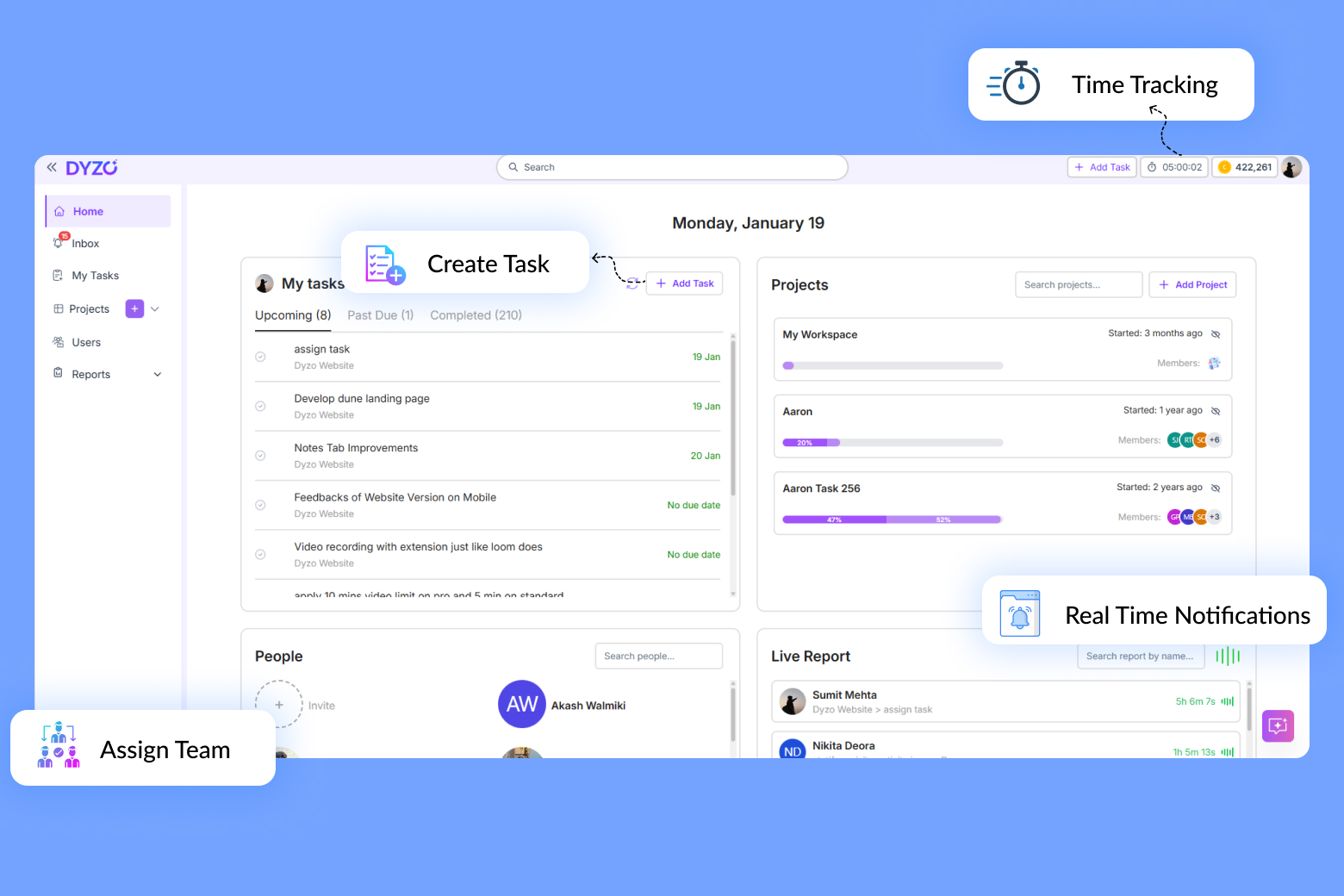
With tools like Dyzo, these notifications are context-rich (not just generic alerts) and designed to inform without overwhelming. The result: status updates flow naturally, without forcing people to stop what they’re doing for yet another meeting.
How Dyzo’s Real-Time Notifications Work
Dyzo’s notification system is built to reduce friction and keep teams aligned: 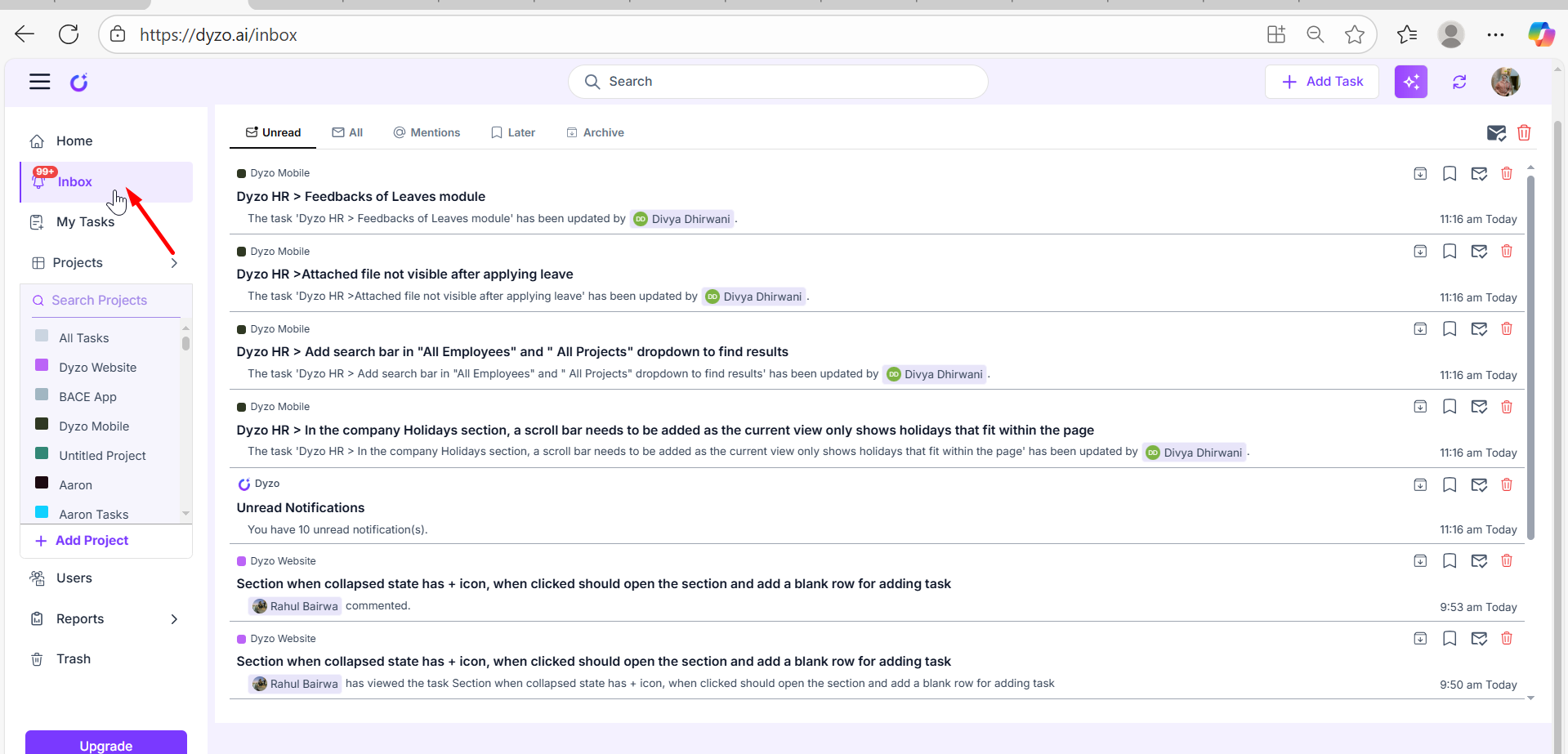 The image above shows Dyzo’s Inbox where team members receive live task updates, comments, and mentions - all in one place, keeping everyone instantly informed without meetings.
1. Instant Updates Where You Work
Notifications appear in-app and sync across devices.
- Why it matters: Everyone stays on the same page, even in distributed teams.
2. Task-Specific Alerts
Instead of broad updates, notifications are tied directly to tasks, projects, or comments.
- Why it matters: Keeps noise low and relevance high.
3. Smart Reminders
Automatic alerts before deadlines ensure no task slips through the cracks.
- Why it matters: Prevents last-minute scrambles.
4. Activity Snapshots Integrate
Notifications link directly to Dyzo’s live reports and snapshots.
- Why it matters: Provides context for the update - not just raw info.
5. Reduced Meeting Dependence
Because updates are automatic and visible to all, there’s less need for daily status calls.
- Why it matters: Teams reclaim hours every week.
Benefits of Real-Time Notifications
- Fewer Meetings
- Replace “just checking in” syncs with instant updates.
- Faster Response Times
- Problems are flagged immediately, not hours later.
- Greater Accountability
- Everyone sees who’s responsible for each update.
- Improved Team Morale
- Less meeting fatigue, more time for meaningful work.
- Seamless Remote Collaboration
- Notifications bridge time zones, making async work smooth.
Real-World Example: Notifications in Action
Picture a remote product team spread across three continents.
- Before Dyzo: Managers scheduled daily stand-ups just to check task progress. Time zones meant someone always had to join late at night or early morning. Productivity suffered, and team morale dropped.
- After Dyzo: Real-time notifications kept everyone updated automatically. Task completions, comments, and blockers appeared instantly in Dyzo. The daily stand-up was reduced to a short weekly strategy call.
The result:
- Meetings cut by 60%
- Team focus improved
- Projects stayed on track without draining schedules
How to Start Using Dyzo’s Notifications
Getting started is simple:
- Sign up for Dyzo (free for 2 users)
- Invite your team
- Assign tasks & projects - notifications start flowing instantly
- Customize alerts to match your team’s workflow
Stop wasting time in endless meetings. Try Dyzo free and see how real-time notifications transform your team’s productivity.
FAQs
Q: Will notifications overwhelm my team? A: No - Dyzo’s system is designed to send only relevant updates tied to your projects and tasks. Q: Can notifications replace daily stand-ups completely? A: For many teams, yes. Strategy calls may still be useful, but “status updates” can be automated away. Q: Do notifications work on mobile? A: Yes - Dyzo syncs notifications across devices, so remote teams always stay connected.
Ready to try Dyzo for free?
Plan work, track time, and automate busywork — all in one place.
Start Free with Dyzo →No credit card required · Free forever plan · 2-minute setup
Part of these guides: