Remote Team Management Software: Why Dyzo is the Best Workflow Collaboration Platform for Distributed Teams

Remote work isn’t a passing trend - it’s the backbone of how businesses operate in 2025. But managing distributed teams is challenging. Leaders often struggle to maintain visibility, employees feel disconnected across time zones, and projects stall when information is scattered across too many tools. That’s where remote team management software makes a difference. By centralizing communication, streamlining workflows, and ensuring accountability, teams can thrive no matter where they’re located. In this article, we’ll unpack the critical challenges of remote team management, what makes the best workflow collaboration platform, and why Dyzo is built to help distributed teams succeed.
Why Remote Team Management Software Matters
In today’s hybrid and global work environment, remote employees can be just as productive as in-office teams - sometimes even more. But without the right infrastructure, distributed work quickly turns into confusion. The risks of poor collaboration tools include:
- Missed deadlines: Work gets buried in emails or chats without a clear system.
- Duplicated efforts: Multiple team members unknowingly work on the same task.
- Low engagement: Employees feel isolated and disconnected from the bigger picture.
- Leadership blind spots: Managers lack the data to make informed decisions.
By adopting modern remote team management software, companies gain:
- Real-time clarity into who’s doing what, when, and how.
- Centralized communication so tasks, files, and context live in one place.
- Alignment with organizational goals, ensuring everyone contributes to shared success.
Remote work is no longer just about video calls. It’s about creating a structured, collaborative digital workplace where people can contribute from anywhere.
Key Friction Points in Remote Team Management
Despite the benefits, managing remote teams introduces unique challenges. Let’s look at the most common friction points:
1. Lack of Visibility & Accountability
Without a centralized system, it’s difficult for managers to track progress or hold teams accountable. Employees often waste time creating manual status reports instead of focusing on real work.
2. Communication Breakdowns
Important details get lost across Slack messages, emails, and video calls. Without context, team members misinterpret instructions or miss deadlines.
3. Workflow Silos & Tool Sprawl
Remote teams often juggle multiple apps for tasks, files, and updates. This tool sprawl creates silos, slows progress, and leads to version confusion.
4. Misaligned Goals & Priorities
When objectives aren’t clearly cascaded, employees may work hard but not on the right things. Misalignment reduces efficiency and undermines results.
5. Workload Imbalances Across Time Zones
In global teams, work can pile up unevenly. Without software that accounts for time zones and capacity, some employees get overloaded while others sit idle. These friction points show why organizations need more than just chat apps - they need a dedicated remote team management platform.
What Makes the Best Workflow Collaboration Platform
With dozens of productivity tools on the market, what sets apart the best workflow collaboration platforms? Here are the non-negotiables:
- Unified Work Hub: Tasks, files, and conversations live in one place.
- Workflow Automation: Repetitive tasks are automated to save time and reduce human error.
- Seamless Integrations: The platform connects easily with tools like Slack, Google Drive, and Zoom.
- Transparency & Accountability: Leaders can see progress in real time, while employees understand how their work contributes to larger goals.
- Ease of Use: Teams adopt tools that are intuitive and don’t require steep learning curves.
These qualities are exactly what Dyzo delivers - with features designed for remote-first organizations.
Dyzo: Features & Differentiators
Dyzo was built for the modern distributed workforce. Here’s how it addresses remote team challenges and goes beyond what other platforms offer:
Automated Workflow Routing
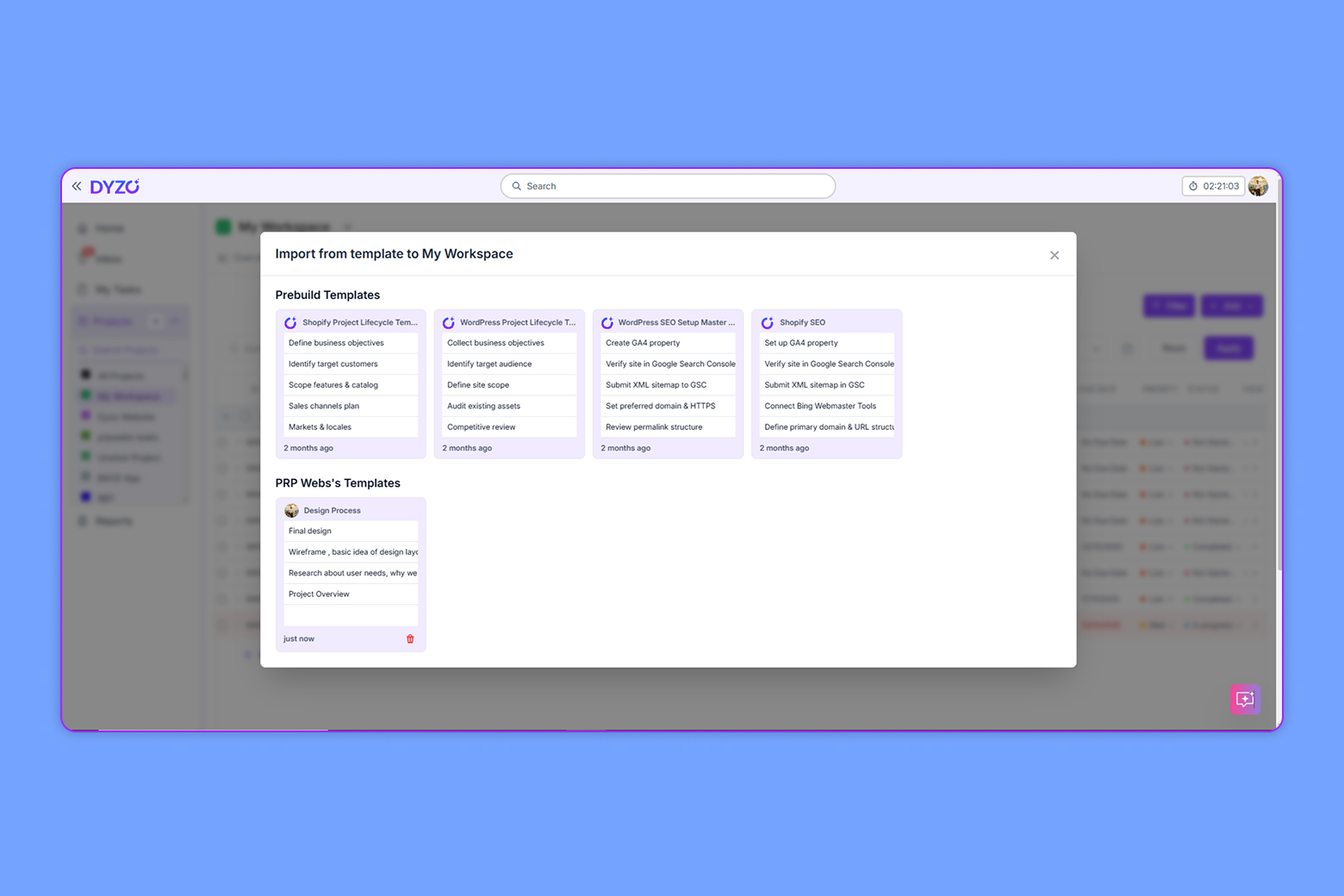
Dyzo automatically assigns and routes tasks based on team roles, dependencies, and deadlines.
- Benefit: Eliminates manual handoffs and keeps projects moving without bottlenecks.
- Impact: Teams save hours each week by reducing repetitive coordination tasks.
Unified Work Hub
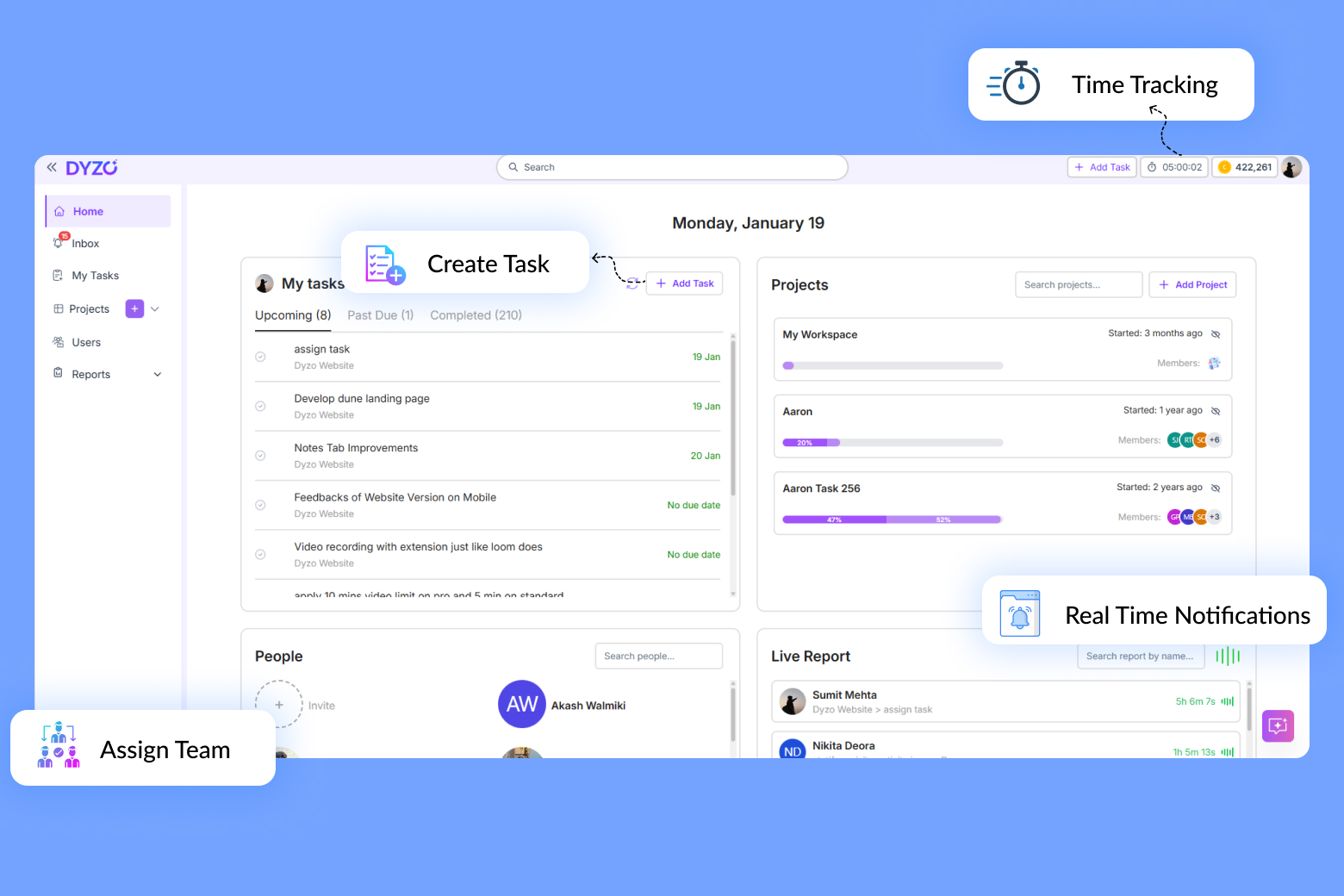
Tasks, files, and communication all live in Dyzo’s centralized dashboard.
- Benefit: No more digging through email or Slack to find the latest file.
- Impact: Teams gain context in real time, improving efficiency and accuracy.
Goal Alignment Engine
Dyzo ties everyday tasks directly to organizational goals and priorities.
- Benefit: Employees clearly see how their work contributes to the big picture.
- Impact: Stronger alignment drives better outcomes and higher engagement.
Smart Notifications & Status Updates
Intelligent alerts surface updates and deadlines without overwhelming users.
- Benefit: Keeps employees informed without notification fatigue.
- Impact: Projects stay on track with fewer interruptions.
Role-Based Permissions & Transparency
Custom access levels ensure security and accountability. Every action is tracked in Dyzo’s audit trail.
- Benefit: Builds trust with leaders and clients by ensuring compliance.
- Impact: Perfect for regulated industries or projects with sensitive data.
Time-Zone Aware Scheduling
Dyzo automatically adjusts deadlines and schedules based on each team member’s time zone.
- Benefit: Prevents unfair workload imbalances.
- Impact: Global teams collaborate smoothly without burning out certain members.
Integrations & API Support
Dyzo integrates with popular tools like Slack, Zoom, Google Workspace, and more.
- Benefit: Teams don’t need to abandon their favorite apps.
- Impact: Dyzo enhances existing workflows instead of replacing them.
With these differentiators, Dyzo is more than just a tool - it’s a complete remote team operating system.
FAQs
Is Dyzo suitable for small teams? Yes - Dyzo scales from startups to enterprises. Smaller teams especially benefit from its simplicity and templates. Does Dyzo replace Slack or Zoom? No - Dyzo integrates with them. It centralizes workflows while letting you keep your favorite communication tools. How secure is Dyzo? Dyzo uses enterprise-grade security, with role-based permissions and full audit trails. What integrations does Dyzo support? Slack, Zoom, Google Workspace, Microsoft Teams, Dropbox, and more - with open APIs for custom setups. Managing a distributed team doesn’t have to be a struggle. With Dyzo, you gain visibility, accountability, and automation - all in one platform designed for the realities of remote work. Ready to elevate your remote team’s productivity? Request a demo today at dyzo.ai and see why organizations call Dyzo the best workflow collaboration platform for 2025.
Ready to try Dyzo for free?
Plan work, track time, and automate busywork — all in one place.
Start Free with Dyzo →No credit card required · Free forever plan · 2-minute setup
Part of these guides: