
What Are Live Reports? How Dyzo’s Activity Snapshots Drive Accountability

Managing a modern team isn’t just about assigning tasks - it’s about knowing what’s really happening, without endless check-ins or status meetings. Traditional project tools often lag behind: updates come late, managers struggle to see progress, and accountability slips through the cracks.
That’s why Dyzo introduces Live Reports with activity snapshots - a smarter way to track work in real-time. Instead of waiting for weekly summaries or chasing updates, you get immediate visibility into what your team is doing.
In this article, we’ll explore what live reports are, why they matter, and how Dyzo uses them to create transparency, trust, and efficiency across teams.
What Are Live Reports in Team Management?
A live report is an automatically generated snapshot of recent team activity. Unlike static reports that only show data at the end of a week or month, live reports give you real-time insights into:
- Which tasks were created or completed
- Who is actively working, and on what
- Screenshots of recent activity for accountability
- Notifications of changes as they happen
Think of it as a dashboard that never sleeps. Instead of relying on scattered updates across chat apps, emails, or spreadsheets, live reports consolidate everything into one transparent view.
Why It Matters
- For managers: No more blind spots. You instantly know where projects stand.
- For teams: Clear visibility means fewer interruptions from “status check” messages.
- For clients: Screenshots and accurate reporting build trust and credibility.
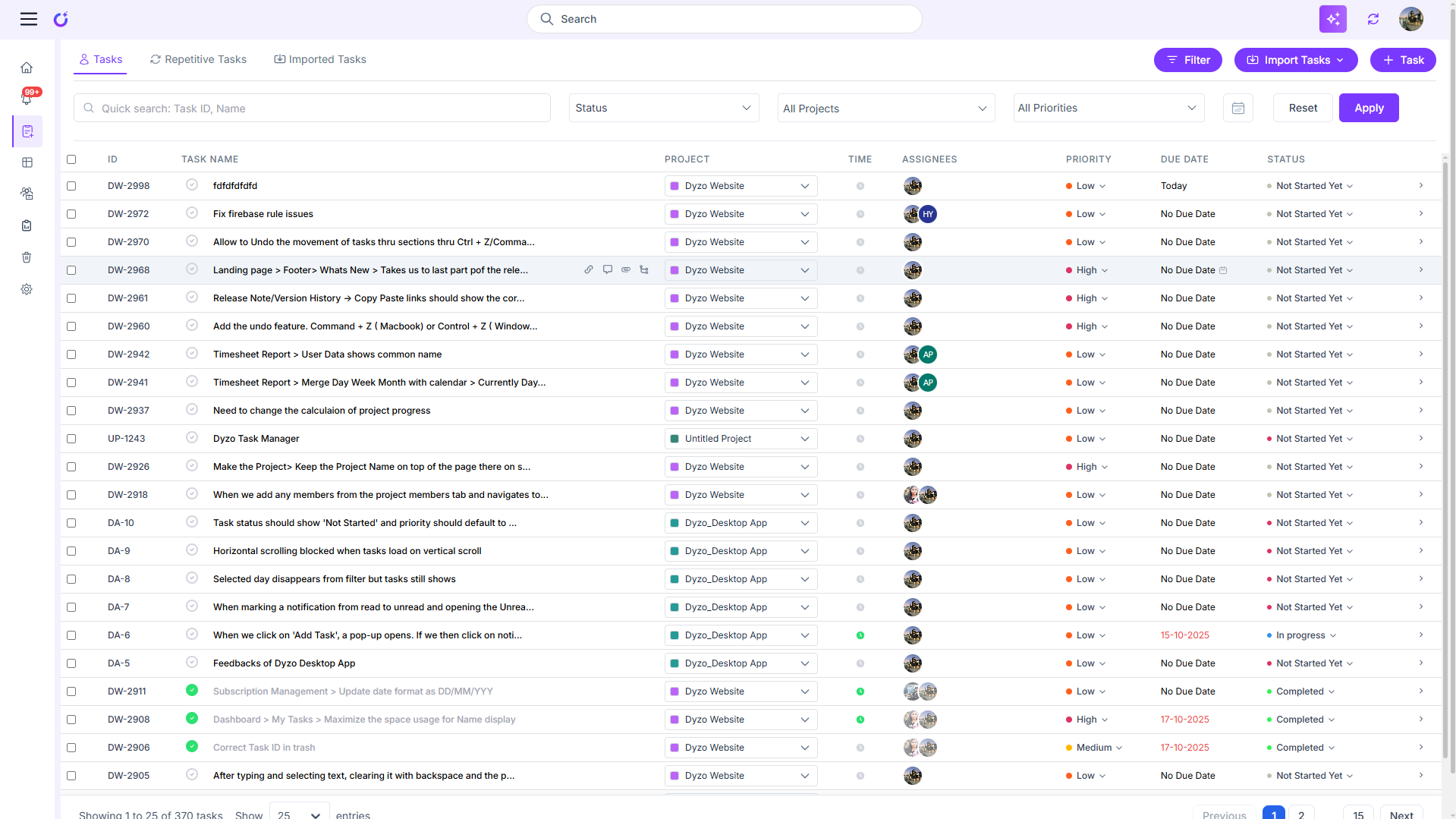
This screenshot shows the live reports dashboard on Dyzo.ai, where ongoing tasks from multiple employees are being tracked in real time. It displays each employee’s name, time spent, task description, status bar, and associated project, along with visual snapshots of their activity timeline.
The Pain of Traditional Reporting
Most project management systems struggle with delayed reporting. Teams either:
- Spend time creating manual updates, or
- Wait for automated summaries that only arrive once a day or week.
Both approaches create gaps. By the time a report reaches you, the information may already be outdated. This leads to:
- Missed deadlines (because bottlenecks weren’t flagged on time)
- More status meetings to “fill in the blanks”
- Frustration between managers, team members, and clients
In short: static reporting slows everything down. Teams need visibility as work happens.
How Dyzo’s Live Reports Solve These Challenges
Dyzo was built to replace outdated reporting with instant clarity. Here’s how live reports and activity snapshots work:
1. Real-Time Activity Tracking
See tasks created, updated, or completed the moment they happen.
- Benefit: Managers no longer chase updates.
- Who it helps: Remote teams, busy project leads.
2. Activity Snapshots (Screenshots)
Dyzo takes periodic screenshots of user activity, providing context for what’s being worked on.
- Benefit: Builds transparency and prevents disputes over timesheets.
- Who it helps: Service agencies, client-facing teams.
3. Automated Reporting, Zero Manual Effort
Reports are generated automatically. No one needs to waste time building status docs or presentations.
- Benefit: Saves teams hours every week.
- Who it helps: Operations managers, project leads.
4. Integrated Notifications
Changes are pushed directly to team members. Everyone stays updated without extra meetings.
- Benefit: Replaces constant “ping me when it’s done” culture.
- Who it helps: Entire teams, especially remote.
5. Trust & Accountability
Because activity is logged and visible, both managers and clients know work is progressing fairly and accurately.
- Benefit: Builds client confidence and reduces disputes.
- Who it helps: Agencies, contractors, consulting firms.
Real-World Example: Live Reports in Action
Imagine a remote design agency handling multiple client projects.
- Before Dyzo: Project managers spent 4–6 hours weekly creating update reports. Clients often asked for proof of progress. Team members faced constant “What’s the status?” messages.
- After Dyzo:
- Reports are generated automatically
- Activity snapshots show exactly what designers are working on
- Clients receive transparent updates without waiting for manual reports
- Status meetings were reduced by 40%
The result: better productivity, happier clients, and a less stressed team.
How to Get Started with Dyzo Live Reports
Getting started is simple:
- Sign up for Dyzo (free for 2 users)
- Enable live reporting for your team
- Invite members - activity and updates begin instantly
- Share reports with clients or stakeholders for added transparency
With Dyzo, there’s no steep learning curve or setup headaches. You start seeing live activity within minutes of onboarding.
Ready to bring real-time accountability to your team? Get Started Free with Dyzo
FAQs
**Q: Do activity snapshots invade privacy?
**A: No - Dyzo is designed for transparency, not micromanagement. Snapshots focus on accountability for billed hours, not invasive tracking.
**Q: Can I share reports with clients?
**A: Yes, live reports can be shared externally to build trust.
Ready to try Dyzo for free?
Plan work, track time, and automate busywork — all in one place.
Start Free with Dyzo →No credit card required · Free forever plan · 2-minute setup
Part of these guides: