10 Best Apps to Organize Team Projects in 2026
Let’s be honest - keeping your team organized is harder than ever. Projects stretch across time zones, deadlines overlap, and conversations scatter across emails, chats, and spreadsheets. Even with the best intentions, things slip through the cracks. That’s why teams are turning to apps to organize team projects. These tools simplify workflows, centralize communication, and make collaboration smoother. While there are several well-known options - like Asana, Trello, and ClickUp - one platform in 2026 stands above the rest: Dyzo.ai Dyzo is built for teams that want more than just a to-do list. It’s a unified, intelligent, and easy-to-use workspace that combines planning, communication, and automation. Let’s explore the top contenders and see why Dyzo.ai leads them all.
Why Teams Need Apps to Organize Projects
When teams grow, so does the complexity of managing work. Juggling spreadsheets, endless email threads, and multiple chat groups quickly becomes unsustainable. Important tasks get lost, accountability fades, and productivity tanks. That’s where project organization apps change the game. They help teams:
- Track progress in real time
- Assign and manage tasks effortlessly
- Communicate in context
- Share files without endless back-and-forth
- Measure performance through dashboards and analytics
While tools like Trello and Asana do a good job of basic task management, most teams outgrow them fast. They want something faster, smarter, and more connected - and that’s exactly why Dyzo exists. Dyzo brings structure, speed, and simplicity to remote and hybrid teams alike - giving you one clear view of your entire project, from kickoff to delivery.
What to Look for in the Best Team Project Management Apps
Before diving into the top tools, here’s what makes a truly effective project management platform in 2026:
1. Ease of Use
Your team shouldn’t need training to stay organized. The best apps are intuitive, allowing everyone - from interns to executives - to collaborate easily. Dyzo Advantage: With its clean, minimal interface, teams can start managing projects in minutes.
2. Task & Workflow Management
A strong platform should let you assign, track, and automate tasks from start to finish. Dyzo Advantage: Dyzo automates repetitive steps like task routing and reminders, keeping projects on track effortlessly.
3. Team Communication
All conversations should live within the project itself - no more switching between chat apps. Dyzo Advantage: Chat, share files, and leave feedback directly inside each task. Everything stays in context.
4. Integrations
Good tools fit into your existing workflow. Dyzo Advantage: Dyzo connects with Slack, Google Drive, and Microsoft Teams - so your current setup gets even better.
5. Reporting & Transparency
Leaders need insights, not guesswork. Dyzo Advantage: Real-time dashboards show project progress, workload balance, and deadlines - all in one place.
Top 10 Apps to Organize Team Projects in 2026
Here’s a side-by-side comparison of the leading team project apps in 2026, with real pricing and free-tier limits so you can shortlist quickly.
| App | Free plan | Paid from (per user/mo) | Built-in time tracking | Best for |
|---|---|---|---|---|
| Dyzo | Yes — unlimited tasks | ~$1 | Yes (with screenshots) | Remote/hybrid teams wanting tasks, time & reporting in one |
| Asana | Up to 15 users | $10.99 | Via integrations | Workflow & task management at scale |
| Trello | 10 boards per workspace | $5 | Via power-ups | Simple kanban for small teams |
| ClickUp | Free Forever (100 MB) | $7 | Yes (native) | Teams wanting deep customization |
| Monday.com | 2 seats | $9 (3-seat min) | Add-on / integrations | Visual “work OS” dashboards |
| Notion | Personal use | $8 | No | Docs-first teams / lightweight PM |
Pricing = lowest paid tier on annual billing, per user/month, as of 2026. Free-tier limits and prices change — verify on each vendor’s site.
Below, we break down where each tool fits and how Dyzo compares.
1. The All-in-One Platform Built for Modern Teams
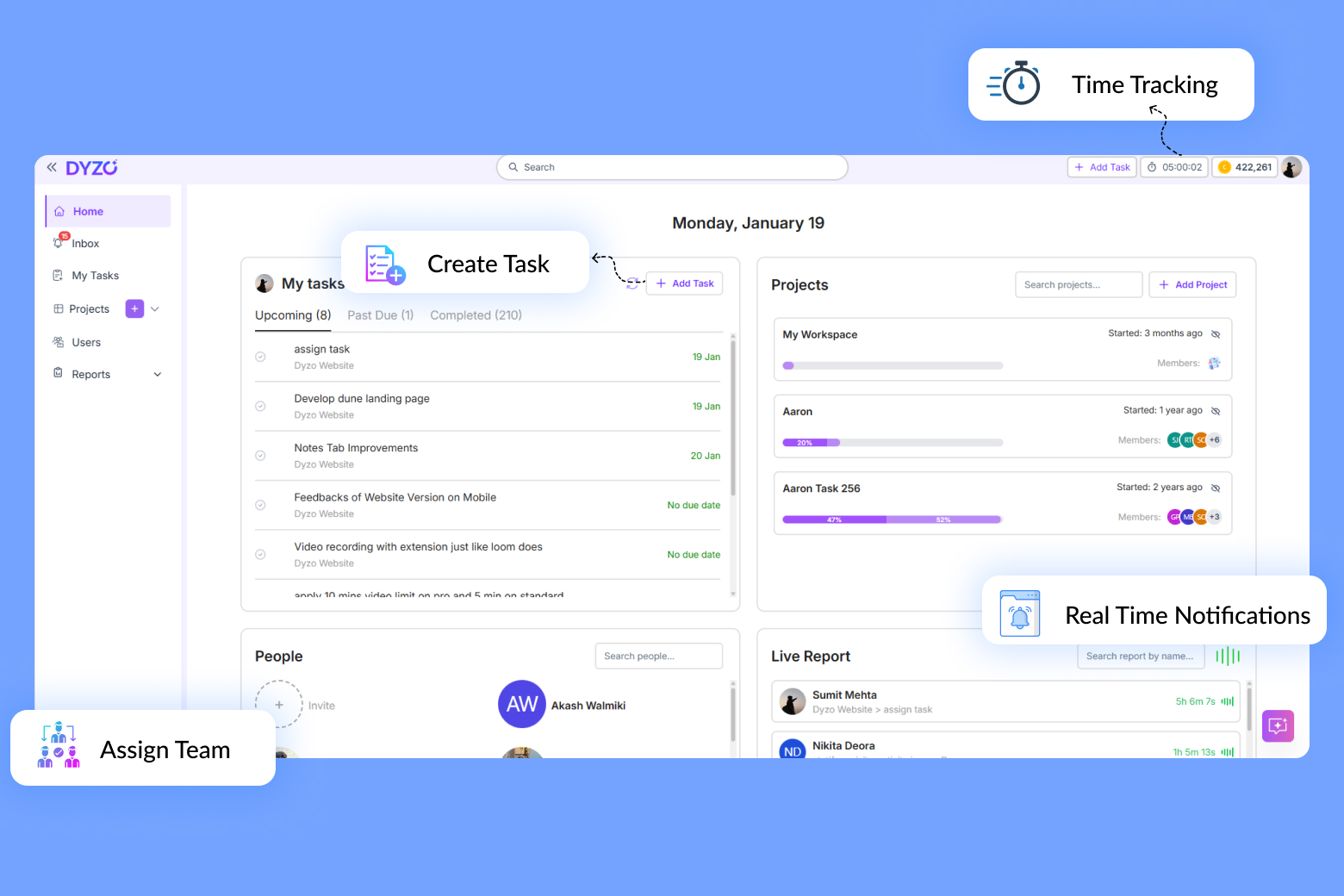
If your team wants to stay organized without juggling five different tools, Dyzo is your answer. Dyzo combines project planning, task management, communication, and analytics into one seamless workspace. Whether you’re managing a creative team, software sprint, or remote agency, Dyzo keeps everyone aligned. Key Features:
- Unified Dashboard: View every project, task, and message in one place.
- AI Insights: Identify bottlenecks and measure productivity in real time.
- Time-Zone Smart Scheduling: Perfect for global teams - Dyzo adjusts deadlines automatically.
- In-Task Collaboration: Chat, attach files, and comment without switching apps.
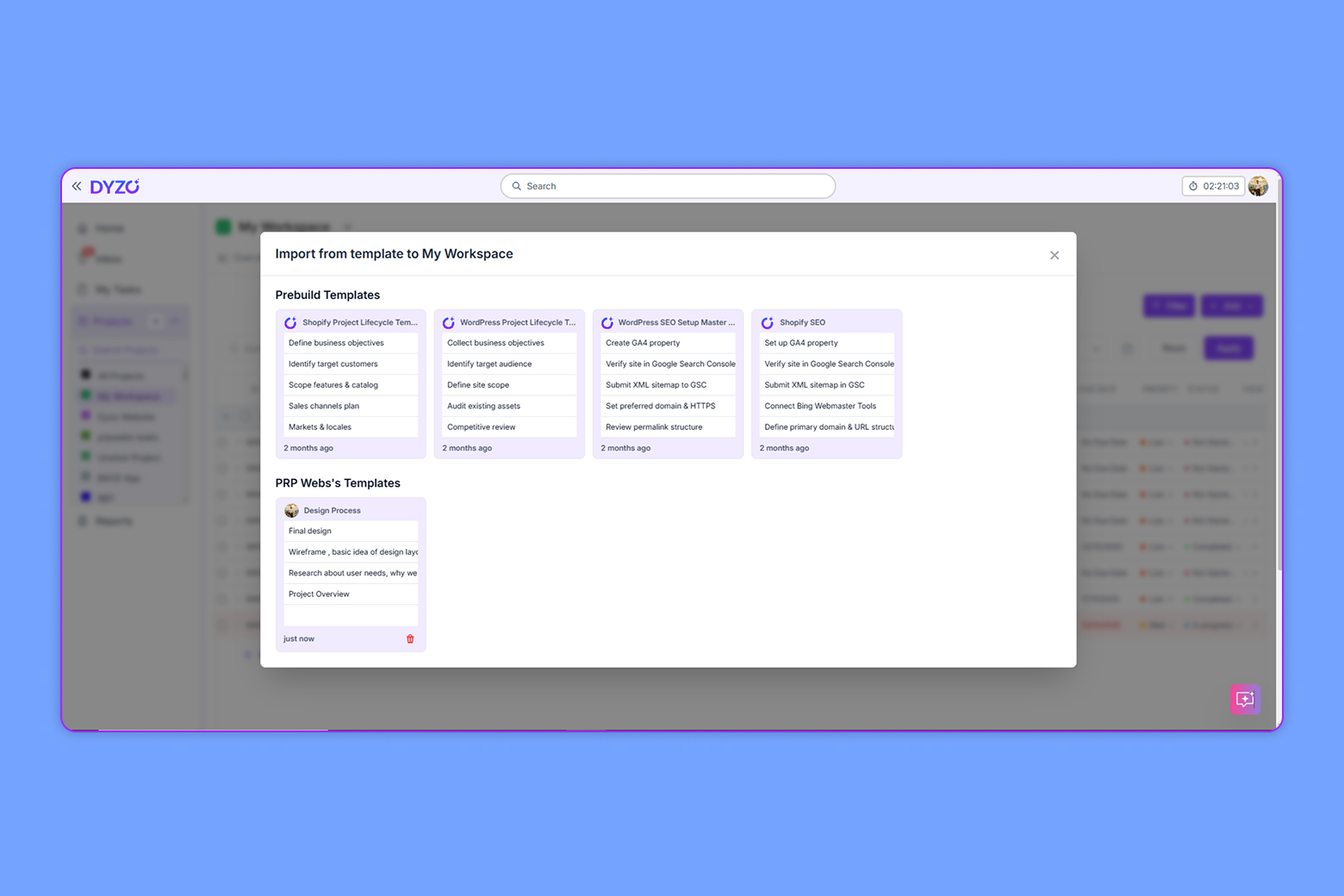
- Flexible Project Views: View tasks as boards, lists, or calendars - making it easy for every team to stay organized and see progress at a glance.
Best For: Remote, hybrid, or scaling teams that want clarity, speed, and automation. Why Dyzo Leads: While other tools handle one part of the process, Dyzo brings everything together - planning, execution, and analysis - into a single, powerful workspace. Try Dyzo today - organize, collaborate, and deliver projects faster than ever.
2. Asana
Asana is a trusted choice for structured project tracking. It offers task lists, workflows, and timeline views that help teams organize projects efficiently. Its flexible interface supports collaboration across departments, though setup can feel complex for new users or smaller teams.
3. Trello
Trello’s signature Kanban-style boards make task tracking visual and easy. It’s a favorite for simple team projects and creative brainstorming. However, it has limited reporting and automation options for more advanced workflows.
4. ClickUp
ClickUp provides a feature-packed experience with goal tracking, docs, and automation. It’s powerful for teams that need customization. But the extensive feature set can feel overwhelming, and users sometimes find it cluttered or difficult to maintain consistency.
5. Monday.com
Monday.com is known for its vibrant dashboards and visual workflow layouts. It’s ideal for marketing and creative teams who prefer visual overviews. However, it can become expensive as your team grows, and automation requires paid tiers.
6. Notion
Notion blends note-taking, database management, and collaboration in one platform. It’s flexible and great for documentation, but it’s less effective for structured task tracking and automated project management.
7. Basecamp
Basecamp focuses heavily on team communication and simplicity. It offers message boards, to-do lists, and scheduling features, making it useful for small teams. However, it lacks detailed progress tracking and workflow automation found in other tools.
8. Wrike
Wrike delivers enterprise-level reporting and resource management tools. It’s suited for large organizations that need granular control and analytics. However, smaller teams often find its interface complex and pricing steep.
9. Airtable
Airtable combines spreadsheet familiarity with database power, letting users organize projects visually. It’s excellent for data-heavy teams but doesn’t offer complete task management or team communication features.
10. Todoist
Todoist is a lightweight task manager, great for individuals or freelancers. It’s easy to use and ideal for personal productivity but lacks the collaboration depth needed for full-scale team project management.
Why Dyzo Leads the Competition
When you compare these best team project management apps, one thing becomes clear: each offers something useful - but only Dyzo brings them all together. Here’s why teams choose Dyzo:
- Unified platform (no need for multiple subscriptions)
- Designed for speed, clarity, and collaboration
- Smart automation that eliminates repetitive tasks
- AI analytics for performance visibility
- Scales from startups to enterprises effortlessly
How to Choose the Right Tool for Your Team
Before choosing a project management app, ask yourself: - Is it easy for everyone to use? - Does it keep tasks, files, and communication in one place? - Can it automate workflows and updates? - Will it grow with my team? If you answered yes to all, you’re describing Dyzo**.ai** Staying organized shouldn’t mean juggling multiple apps. Whether your team is remote, hybrid, or fully in-office, Dyzo gives you everything you need to plan, collaborate, and deliver with confidence. Instead of piecing together half a dozen tools, use one platform designed for simplicity and power. Stop managing chaos - start managing success. Sign up for Dyzo today and experience why it’s the best app to organize team projects in 2026.
Ready to try Dyzo for free?
Plan work, track time, and automate busywork — all in one place.
Start Free with Dyzo →No credit card required · Free forever plan · 2-minute setup
Frequently asked questions
What is the best app to organize team projects in 2026?+
Dyzo AI is a top choice for organizing team projects in 2026 because it combines task management, time tracking, live reporting, and AI automation in one affordable platform. It works well for agencies, remote teams, and freelancers. You can start free at dyzo.ai.
What features should a team project app have?+
A good team project app should include task assignment and deadlines, real-time progress tracking, time tracking, team notifications, reporting dashboards, and ideally AI integrations. Dyzo offers all of these in a single tool.
Is there a free app to organize team projects?+
Yes. Dyzo offers a free forever plan with no credit card required, giving teams task management, collaboration, and time tracking at no cost. Paid plans add higher limits and advanced features.
How do I choose the right project organization app for my team?+
Consider your team size, whether you need time tracking, your budget, and whether you want AI integrations. For most teams wanting an all-in-one affordable tool, Dyzo covers tasks, time, reporting, and automation together. See our guide on choosing a workflow collaboration platform for more.
Part of these guides: