How Dyzo Helps Remote Teams Stay Connected Without More Meetings
Remote work promised freedom - but it also brought new headaches. Team members are scattered across time zones. Messages get lost in long chat threads. Managers struggle to track progress without constant check-ins. And meetings? They multiply faster than tasks, eating away at focus and energy. What remote teams really need isn’t more tools - it’s smarter collaboration. A way to stay aligned without burning hours in meetings or digging through spreadsheets. This is where Dyzo stands out. More than just another project management app, Dyzo gives teams real-time visibility into work with live reports, activity snapshots, smart notifications, and AI-powered task management. The result? Remote collaboration that feels effortless, transparent, and stress-free.
Why Remote Teams Struggle to Stay Aligned
Let’s be honest: remote collaboration is hard.
- Time zones don’t overlap. Scheduling even a 30-minute sync can be a nightmare when your teammates are in New York, London, and Manila.
- Progress is invisible. Without walking past someone’s desk, you don’t know what they’re working on - or if they’re stuck.
- Chats and emails explode. Endless “quick updates” flood inboxes, but they don’t always reach the right people.
- Meetings become a crutch. Managers schedule more calls just to “check status,” and employees spend hours talking instead of doing.
- Trust erodes. Without clear visibility, leaders fear work isn’t moving, and employees feel micromanaged.
These challenges lead to burnout, wasted time, and lost productivity. The solution isn’t to pile on more meetings or add a complicated tool - it’s to give teams real-time clarity without extra effort.
Why Endless Meetings Don’t Work
Most “status meetings” share one thing in common: they’re not about making decisions - they’re about sharing information. But information can flow without a calendar invite. Here’s what happens when teams rely too heavily on meetings:
- Work gets interrupted every few hours for a call.
- Team members across time zones sacrifice evenings or mornings.
- Managers spend time asking “What’s the update?” instead of solving problems.
- Meetings run long, and the actual workday shrinks.
The truth is, updates don’t need a Zoom call. They need to be captured automatically and shared instantly. That’s where Dyzo flips the script.
How Dyzo Powers Remote Collaboration Without More Meetings
1. Live Reports & Activity Snapshots
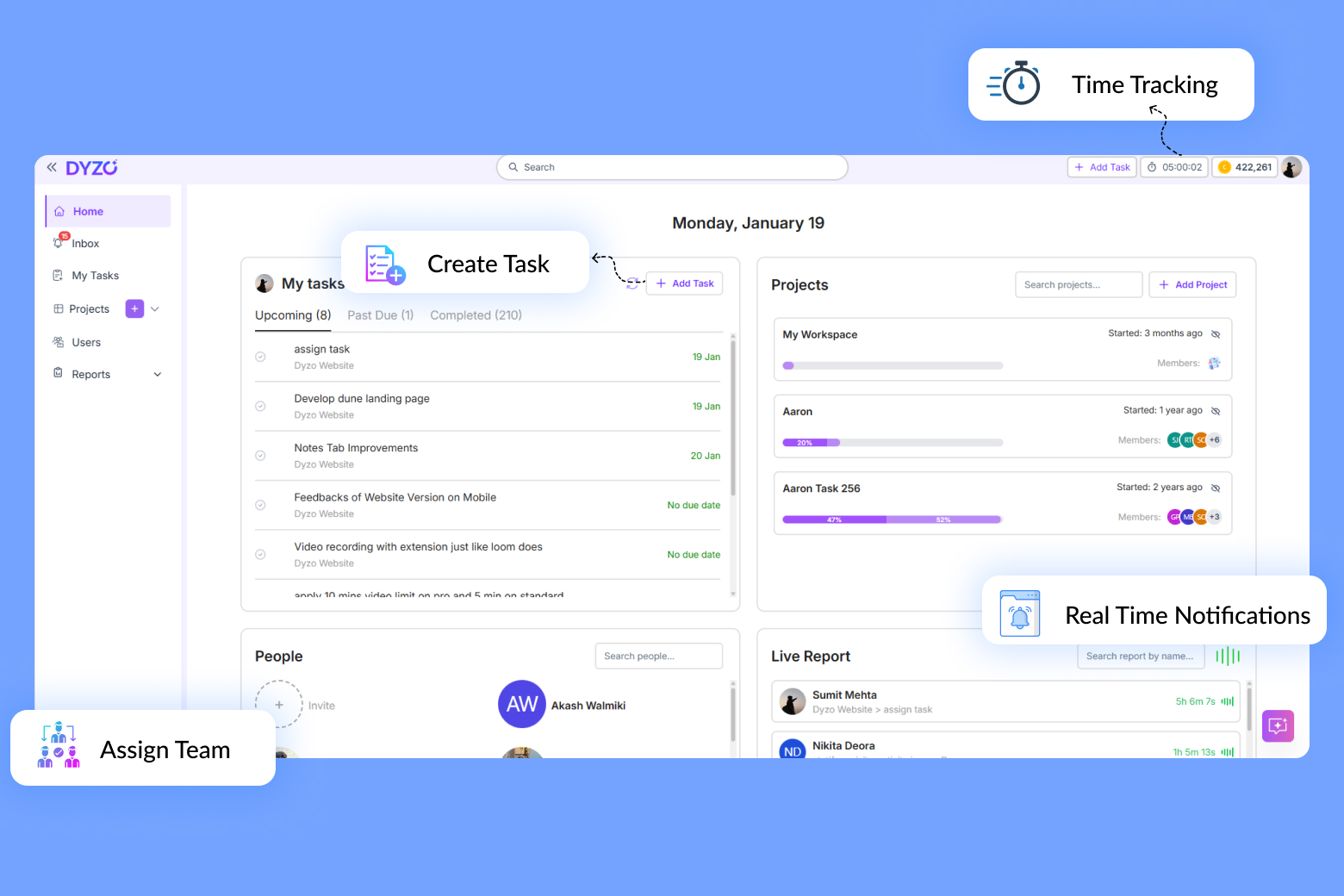
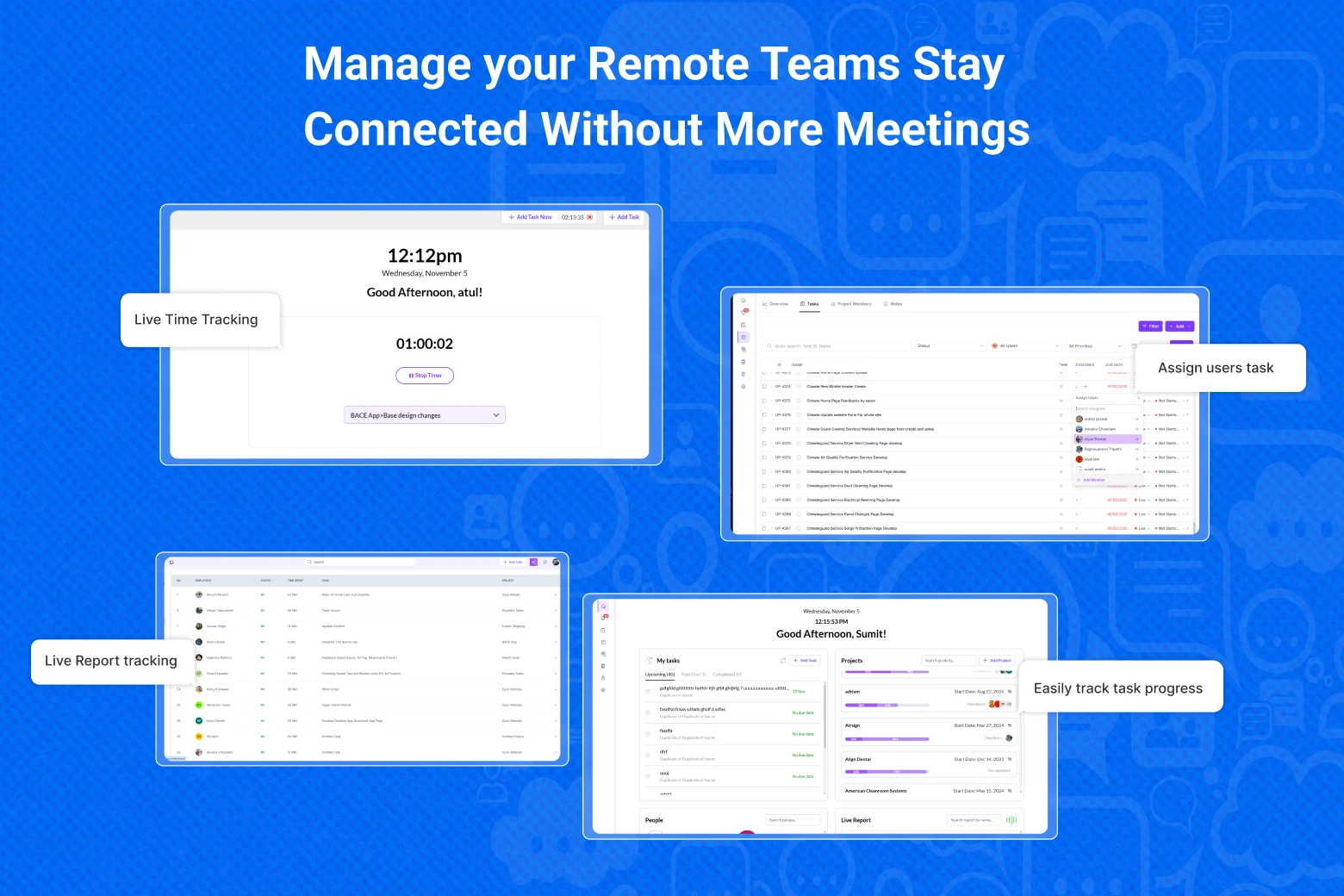
One of the biggest frustrations remote managers face is the lack of visibility into what their team is working on. In traditional setups, leaders have to rely on long meetings or manual check-ins just to understand if deadlines are on track. This not only slows down progress but also makes team members feel like they’re constantly under scrutiny. Dyzo solves this with live reports and activity snapshots, giving managers instant access to real-time progress without interrupting their teams. Live reports automatically track updates as tasks move forward, while snapshots provide a visual record of recent activity. Instead of guessing whether work is getting done or demanding constant updates, leaders can simply open Dyzo and see the truth in seconds. For remote teams, this means less micromanagement, more trust, and a smoother workflow that doesn’t depend on daily status calls.
2. Smart Notifications
Remote collaboration often breaks down because updates don’t reach the right people at the right time. A team member may complete a task, but unless they remember to send a message, others remain in the dark. This creates delays, unnecessary follow-ups, and—once again—more meetings to “catch up.” With Dyzo’s smart notification system, updates flow instantly and automatically. Whenever a task is created, completed, or updated, the relevant team members are notified in real time. Instead of waiting until the next meeting to hear that a deliverable is ready, teams know the moment it happens. This keeps projects moving forward, reduces lag, and ensures collaboration stays seamless even when teammates are spread across multiple time zones.
3. AI Task Assistant
Another major pain point for remote teams is the overhead of setting up and organizing work. Managers often spend hours creating tasks, assigning owners, and prioritizing to-do lists. In fast-paced environments, this administrative load takes away valuable time that could be spent on strategy and execution. Dyzo’s AI Task Assistant automates much of this process. It can generate tasks from natural language prompts, suggest priorities based on context, and even recommend templates for recurring workflows. Instead of wasting time on repetitive setup, teams get straight to execution. For remote workers, this means less confusion, fewer missed steps, and a more streamlined way of staying aligned without endless back-and-forth.
4. One-Click Templates
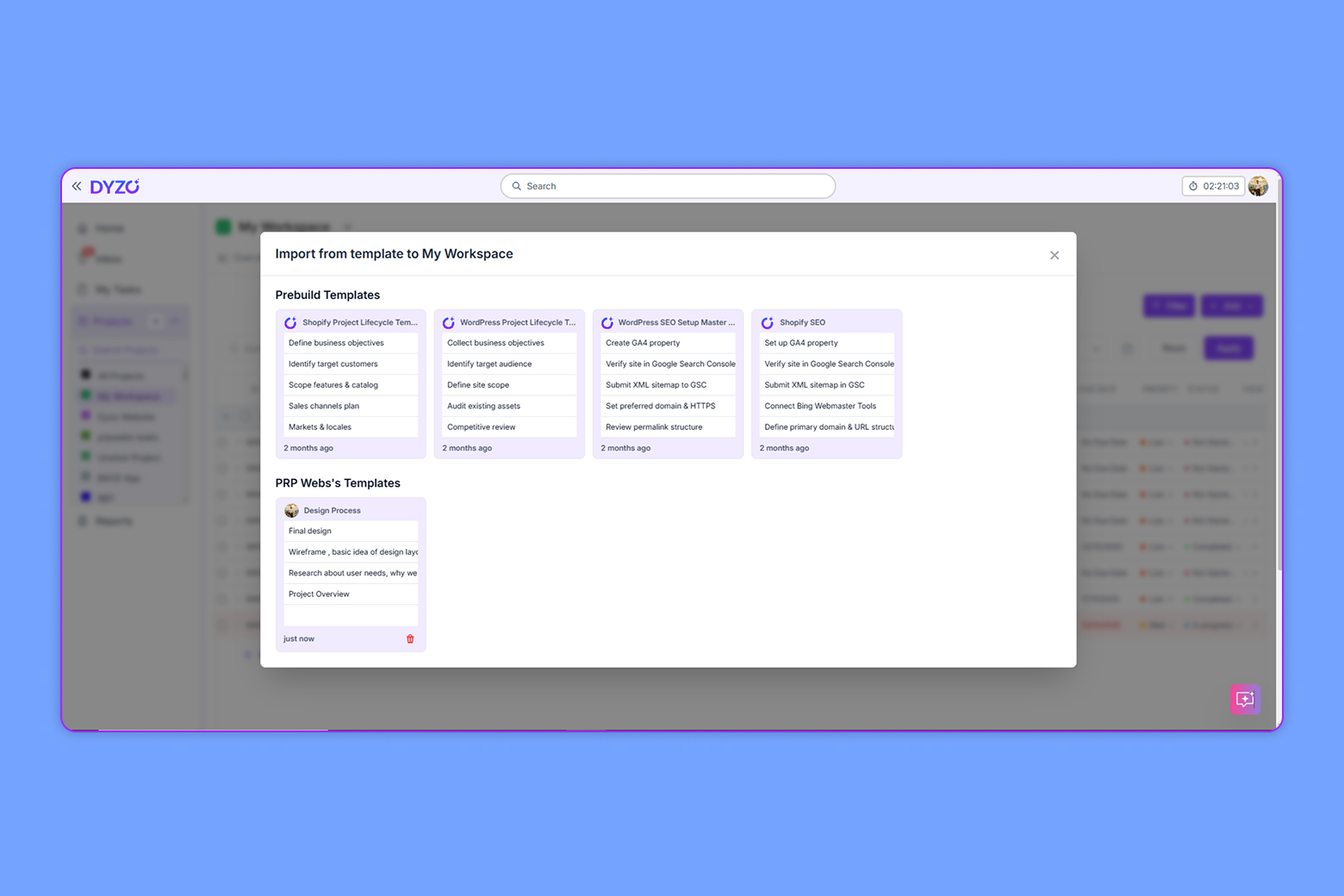
Remote teams thrive on consistency, but it’s easy for processes to fall apart when everyone is working independently. Without clear systems, the same type of project might be handled differently each time, leading to miscommunication, delays, and uneven results. Dyzo solves this with one-click templates that turn standard processes into repeatable workflows. Whether it’s onboarding a new client, launching a campaign, or handling customer support tickets, templates ensure every step is followed the same way across the team. For distributed teams, this consistency is invaluable - it creates order, removes guesswork, and keeps everyone aligned no matter where they’re working from.
5. Chrome Extension for Task Capture
One of the biggest challenges remote workers face is capturing tasks in the moment. A designer might spot a needed revision while reviewing a Google Doc, or a project manager might see a client request in an email. Without an easy way to log it, these small but important action items risk being forgotten or lost. Dyzo’s Chrome Extension eliminates that problem by allowing users to create tasks directly from their browser. Whether you’re in Gmail, a shared doc, or researching online, you can log a task in seconds without switching tools. This means nothing slips through the cracks, and remote teams stay organized effortlessly. The extension bridges the gap between everyday work and project management, ensuring collaboration stays fluid and reliable.
How to Start Collaborating with Dyzo
Getting started takes minutes:
- Sign up for free trial
- Invite your remote team.
- Enable live reports & notifications.
- Start working asynchronously - no endless check-ins.
With Dyzo, your remote team gets clarity, accountability, and productivity without adding more meetings to the calendar. Ready to collaborate smarter? Get started with Dyzo today.
Ready to try Dyzo for free?
Plan work, track time, and automate busywork — all in one place.
Start Free with Dyzo →No credit card required · Free forever plan · 2-minute setup
Part of these guides: