Dyzo.ai API Keys Are Here: Access Project Management, Time Tracking & Task Automation Programmatically
Dyzo.ai now offers developer API keys — giving you programmatic access to project management, task automation, time tracking, and team collaboration features directly from your code, scripts, or favorite LLM models. Whether you’re building custom integrations, automating workflows through AI agents, or connecting Dyzo with your existing tech stack, the new Dyzo.ai API opens up a world of possibilities for developers and teams alike.
What Is the Dyzo.ai API?
Dyzo.ai is an all-in-one platform for task management, time tracking, screenshot monitoring, and workflow automation — trusted by teams of all sizes. Until now, interacting with Dyzo meant using the web dashboard, the desktop app, the Android app, or the Chrome extension. With the launch of Dyzo.ai Developer API Keys, you can now access Dyzo’s full suite of features programmatically. That means you can create tasks, manage projects, track time, pull reports, and much more — all through simple API calls from any programming language or platform. The API provides access to 19 API categories, complete with code examples, request/response documentation, and a quick-start guide to help you get up and running in minutes.
How to Get Your Dyzo.ai API Key (Step-by-Step)
Getting started with the Dyzo.ai API is straightforward. Here’s how to generate your first API key:
Step 1: Navigate to Apps & Keys
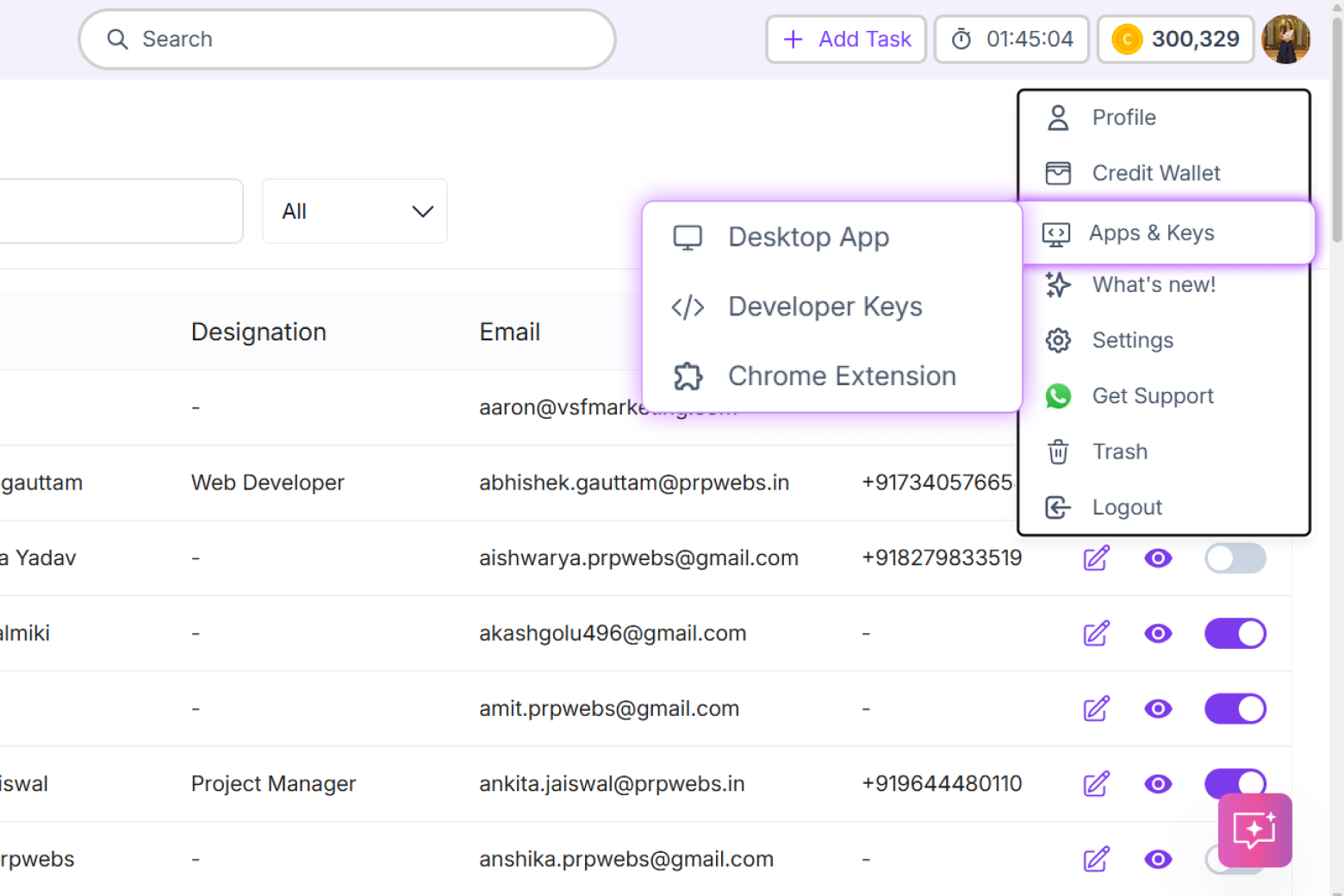
Log in to your Dyzo.ai account. Click on your profile avatar in the top-right corner of the dashboard. From the dropdown menu, select “Apps & Keys”. You’ll see a secondary menu appear — click on “Developer Keys” to access the API key management page. 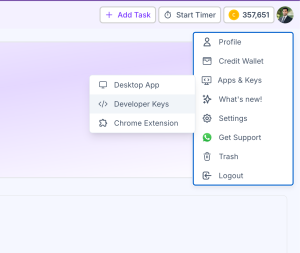 [Screenshot: Profile Menu → Apps & Keys → Developer Keys]
Step 2: Create a New API Key
On the Developer Keys page, you’ll see a dashboard showing your Total Keys, Active Keys, and API Requests. If this is your first time, all counts will be zero. Click the purple “+ Create Key” button in the top-right corner of the API Keys section to generate your first key. 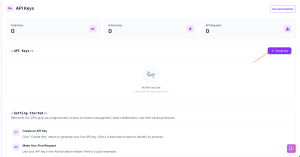 The Developer Keys dashboard with the “+ Create Key” button highlighted
Step 3: Copy Your API Key
Once your key is created, it will appear in the API Keys table with its status set to Active, along with the creation date and usage statistics. Click the copy icon next to your API key to copy it to your clipboard securely.  Copy your API key to clipboard using the copy icon
Step 4: Explore the API Documentation
Scroll down to the API Documentation section and click “View Documentation” to explore all 19 API categories, complete with code examples and a quick-start guide. You’ll also find security best practices to keep your keys safe. API Documentation with 19 categories, code examples, and security best practices
Why the Dyzo.ai API Matters for Developers
The Dyzo.ai API isn’t just another REST endpoint. It’s a gateway to building powerful, custom integrations that connect Dyzo’s project management and productivity tools with virtually anything. Custom Dashboards and Reporting — Pull task data, time logs, and productivity metrics directly into your own dashboards, BI tools, or reporting systems. No more manual exports or CSV wrangling. AI Agent Integration — Connect Dyzo.ai with LLM models like Claude, GPT, or Gemini. Imagine an AI assistant that can create tasks, assign them to team members, update project statuses, and generate progress reports — all through natural language commands processed via the Dyzo API. CI/CD Pipeline Integration — Automatically create tasks or update project statuses when code is deployed, bugs are reported, or pull requests are merged. Keep your project management in sync with your development workflow. Cross-Platform Automation — Use the Dyzo API alongside tools like Zapier, Make, or n8n to build powerful automation chains. For example, automatically create a Dyzo task when a new support ticket comes in, or log time entries based on calendar events. Custom Mobile or Desktop Apps — Build your own interfaces on top of the Dyzo API tailored to your team’s specific workflow needs.
Using Dyzo.ai API with LLM Models and AI Agents
One of the most exciting possibilities with the Dyzo.ai API is integrating it into AI-powered workflows. You can pair the API with any LLM’s function-calling capability to build natural language interfaces to Dyzo. An AI agent could interpret a message like “Create a high-priority task for Rahul to review the marketing deck by Friday” and translate that into the appropriate API call automatically. Here’s a conceptual example in Python to get task summary report:
import requests

headers = {
    "Authorization": "Bearer dyzo_dev_YOUR_API_KEY"
}

response = requests.post(
    "https://api.dyzo.ai/api/tasks/summary-detail/{company_id}/",
    headers=headers,
    json={"title": "Review Q1 report", "priority": "high"}
)
API Security Best Practices
Dyzo takes API security seriously. Here are the security recommendations displayed right on the Developer Keys page:
- Never share API keys publicly or commit them to Git. Store them in environment variables instead.
- Use HTTPS only — never send API keys over unencrypted HTTP connections.
- Rotate keys periodically to minimize risk from potential exposure.
- Use different keys per environment — separate keys for development, staging, and production.
- Monitor the “Last Used” column to detect unusual activity on your keys.
- Delete unused keys immediately to reduce your attack surface.
- Keep API keys out of client-side code. Always make API calls from your backend server.
Key Features of the Dyzo.ai API
| Feature | Details |
|---|---|
| API Categories | 19 fully documented categories |
| Authentication | Bearer token via API key |
| Documentation | Complete with code examples and quick-start guide |
| Key Management | Create, monitor, and delete keys from dashboard |
| Usage Tracking | Real-time request counts and last-used timestamps |
| Multiple Keys | Separate keys for different apps and environments |
| Status Monitoring | Active/inactive status for each key |
How much does the Dyzo.ai API cost?
Dyzo.ai offers its full suite of features at ₹85 per user, with the API accessible through the Developer Keys section. Check the Dyzo.ai pricing page for the latest details on API-specific plans or limits.
Can I use the Dyzo.ai API with Cursor, VS Code, or other IDEs?
Yes. You can use your Dyzo API key in any development environment. Users are already creating keys specifically for tools like Cursor IDE to manage tasks directly from their code editor.
How many API keys can I create?
You can create multiple API keys, each with its own name and description, making it easy to manage access across different applications and environments.
Is the Dyzo.ai API RESTful?
Yes. The Dyzo.ai API follows REST conventions and provides comprehensive documentation with request/response examples for all 19 categories.
Can I integrate Dyzo.ai with AI models like ChatGPT or Claude?
Absolutely. The Dyzo.ai API can be called from any AI agent or LLM tool that supports function calling or HTTP requests, making it perfect for building AI-powered project management assistants.
Getting Started Today
The Dyzo.ai API is live and ready for developers. To get started:
- Sign up or log in at dyzo.ai
- Navigate to Apps & Keys → Developer Keys
- Click “+ Create Key” and name your key
- Copy your key and explore the API Documentation
- Start building your first integration
With 19 API categories, robust documentation, and a developer-friendly key management system, Dyzo.ai is making it easier than ever to extend your project management workflows with code, automation, and AI. Dyzo.ai — Smart Task, Time & Workflow Automation Platform. Now with full API access for developers.
Ready to try Dyzo for free?
Plan work, track time, and automate busywork — all in one place.
Start Free with Dyzo →No credit card required · Free forever plan · 2-minute setup
Part of these guides: